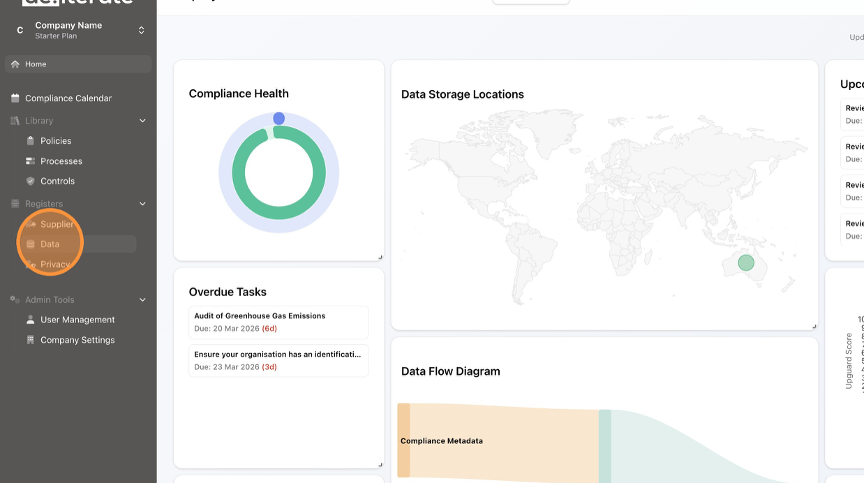
- Click "Data".
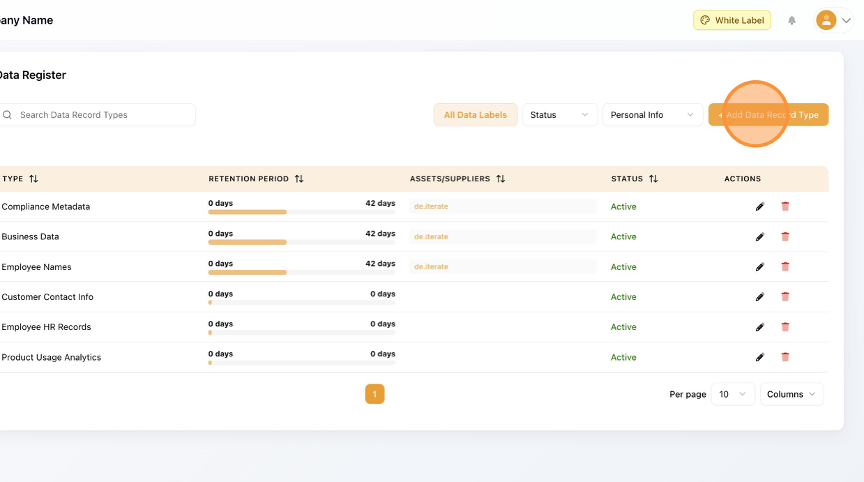
- Click "Add Data Record Type".
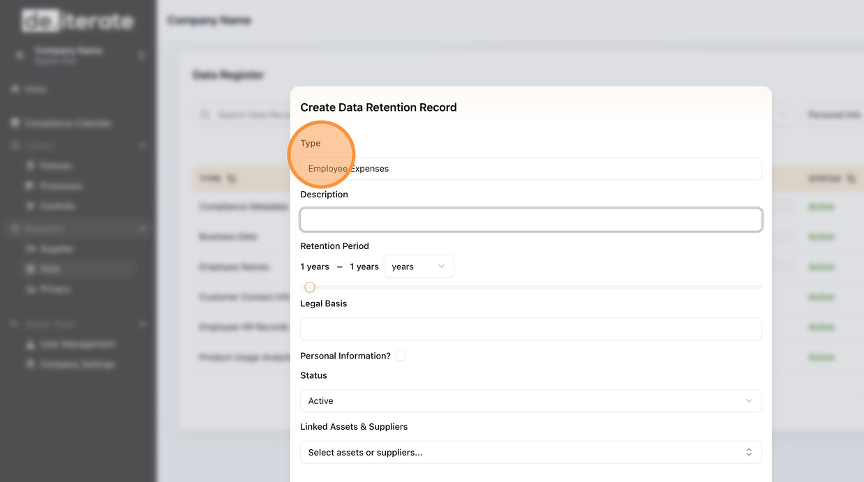
- Enter the "Type" field.
- Enter the "Description" field.

- Enter the "Retention Period" field.

- Enter the "Legal Basis" field.

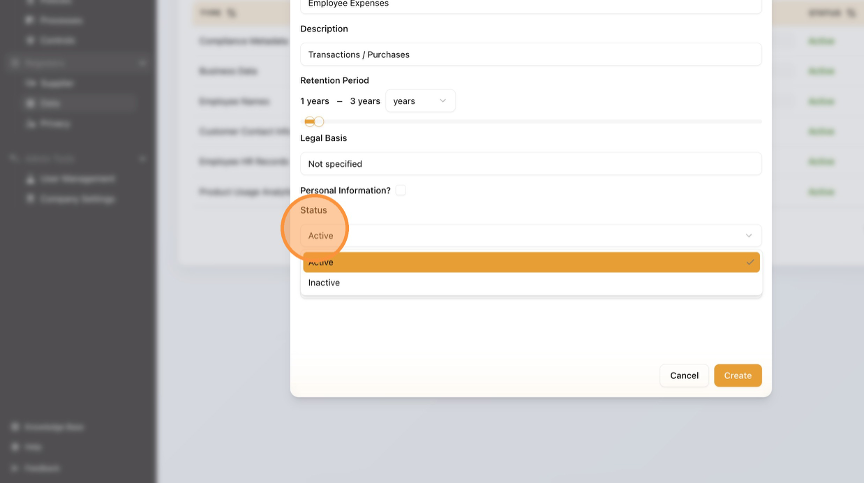
- Enter the "Status" from the drop-down menu.
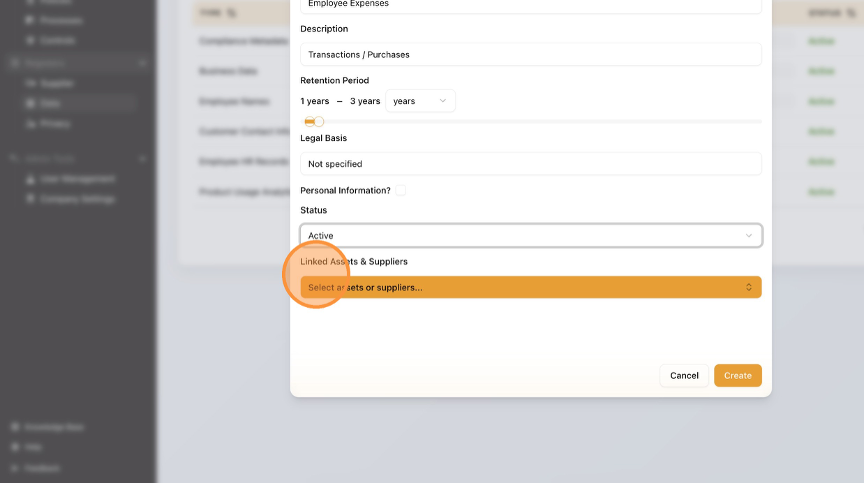
- Select the "Linked Assets & Suppliers".
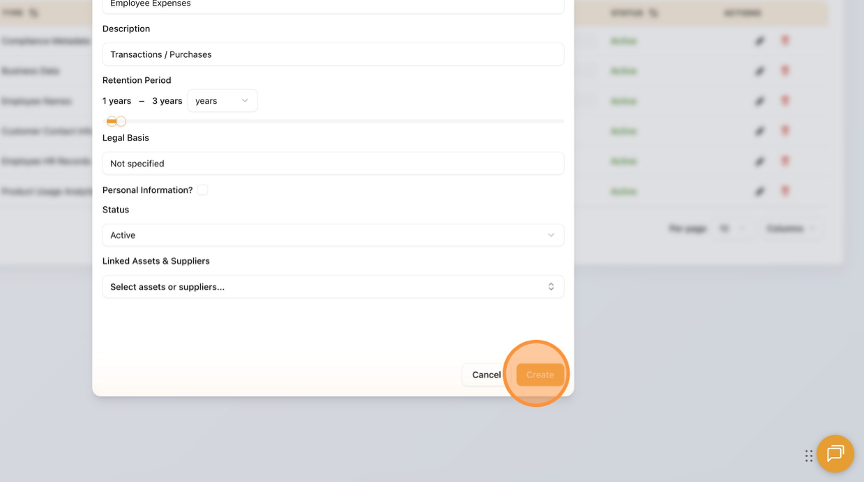
- Click "Create".
- Click "Home" to return to the Dashboard.

English
