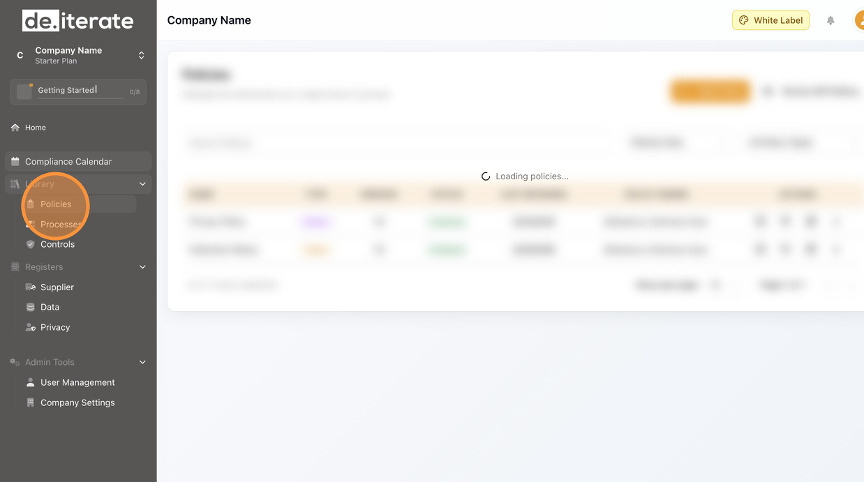
- Click "Policies".
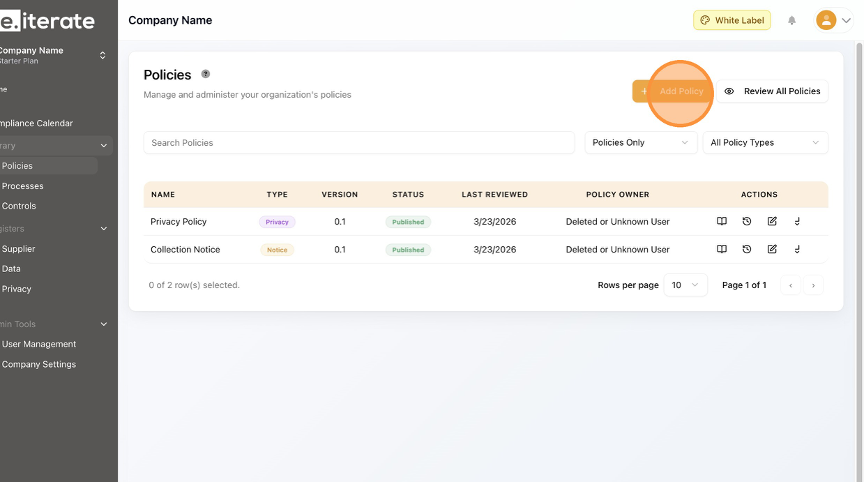
- Click "Add Policy".
- Complete the "Policy Name *" field.
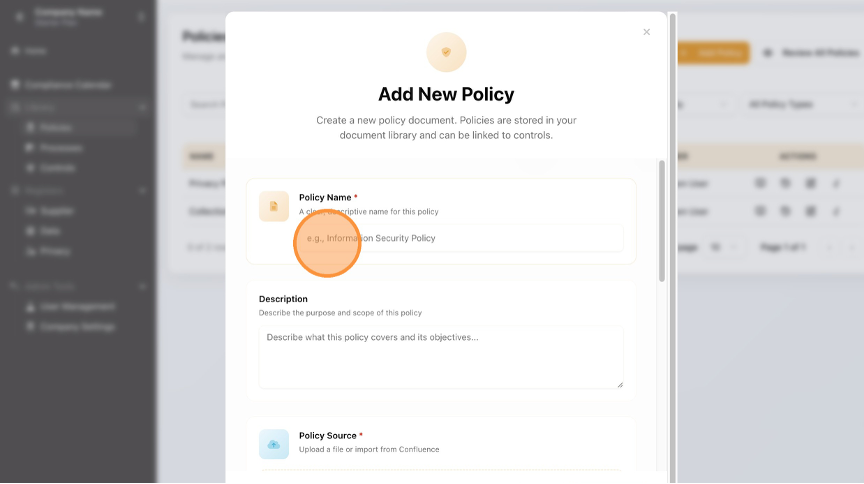
- Add the "Description" field.

- Click the up arrow and upload your policy.

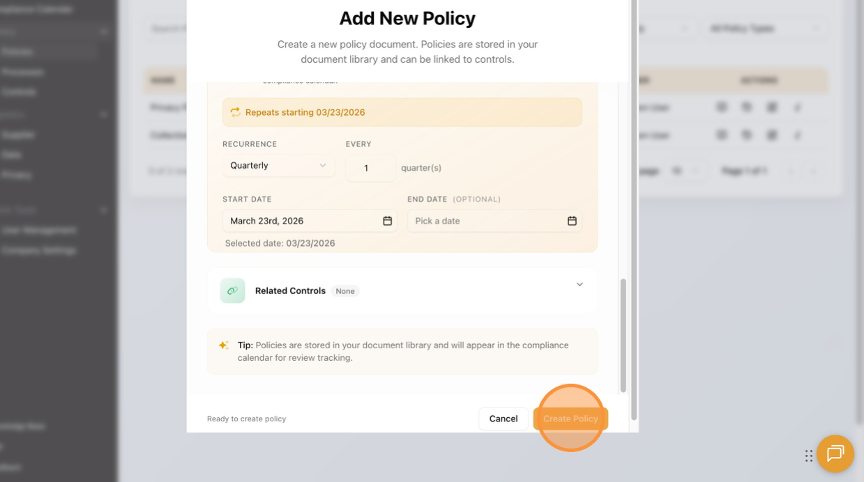
- Select the review schedule frequency.
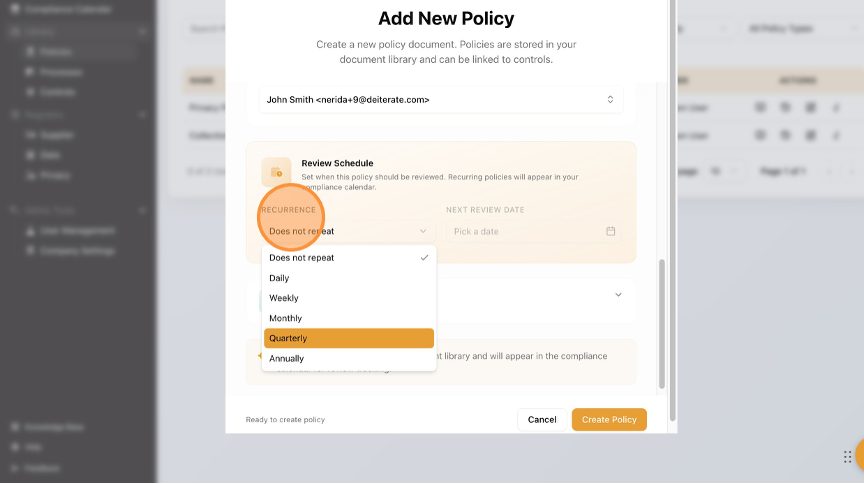
- Click "Create Policy".
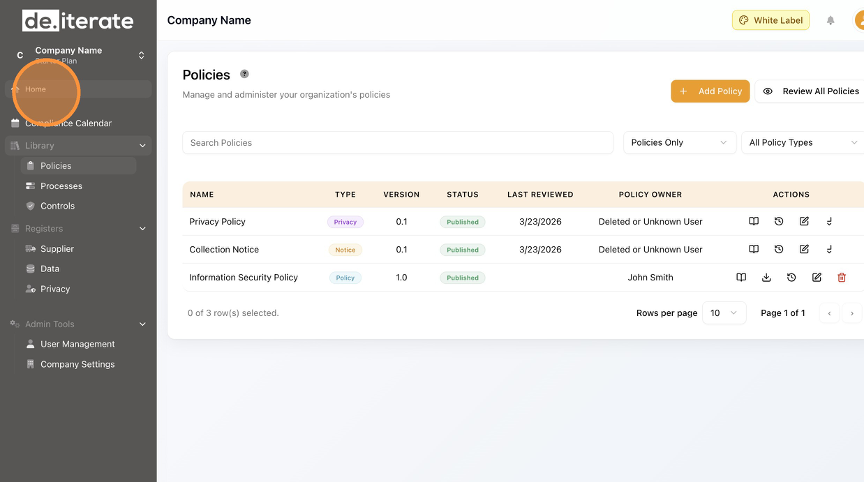
- Click "Home" to return to the Dashboard.
English
