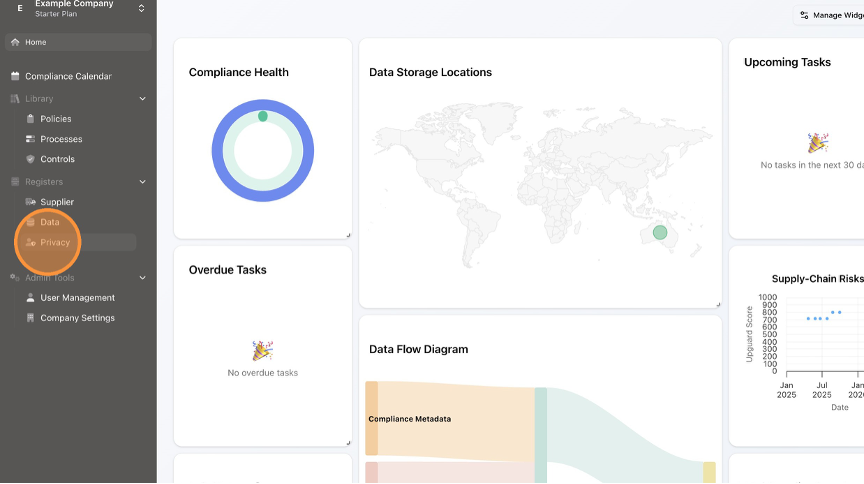
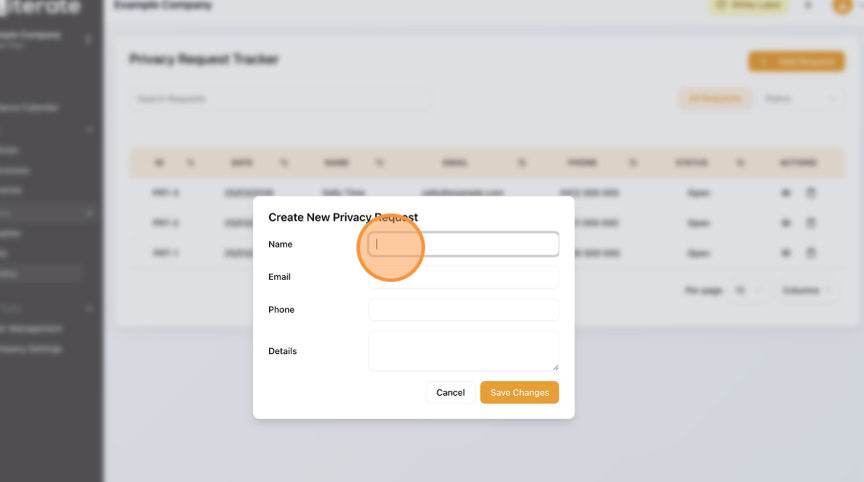
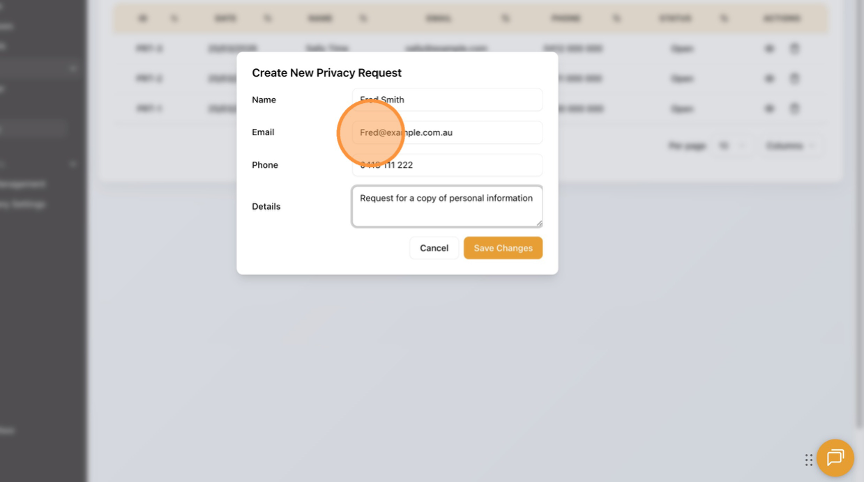
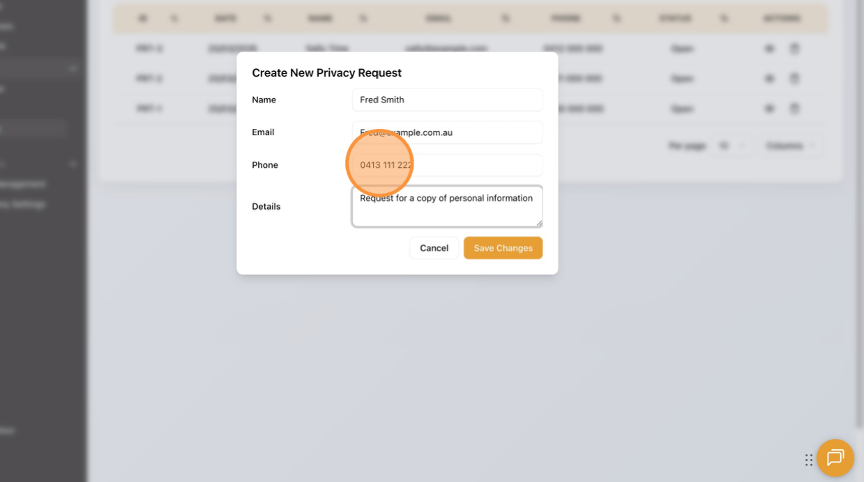
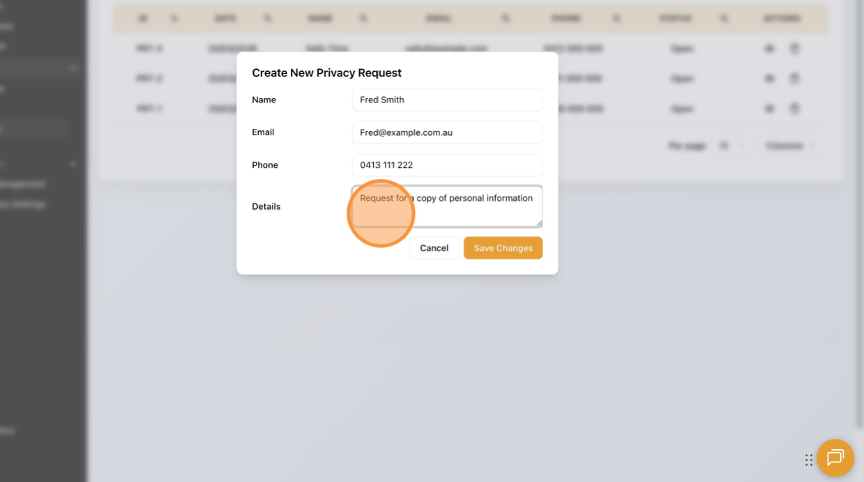
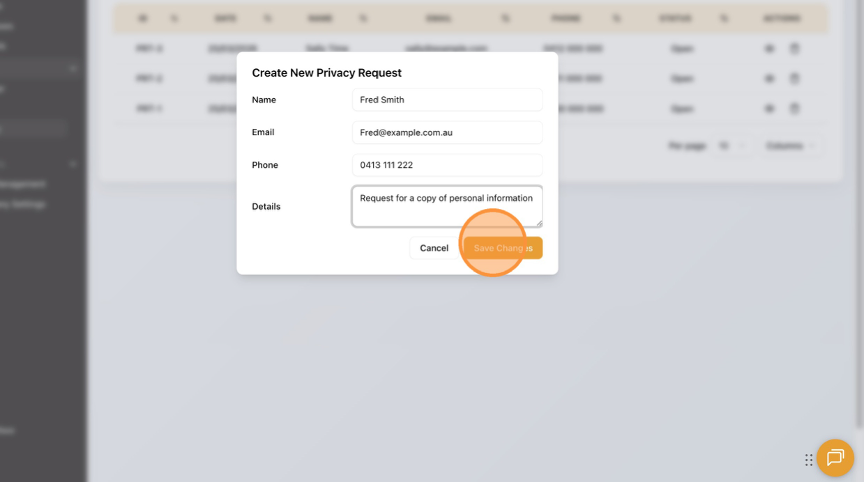
How to Add a New Privacy Request to the Privacy Request Tracker Learn how to quickly add a new privacy request to the Privacy Register. This guide will walk you through the simple steps to add a new request. Click "Privacy". Click "Add Request". Enter the "Name" field. Enter the "Email" field. Enter the "Phone" field. Enter the "Details" field. Click "Save Changes". Click "Home" to return to the Dashboard.