Skip to content
English
  • There are no suggestions because the search field is empty.

How to Add a new Process to the Process Library

Learn how to create a new documented process within the Process Library. This guide walks you through setting up a process, naming it, adding a description, and configuring its recurrence settings for effective workflow management.

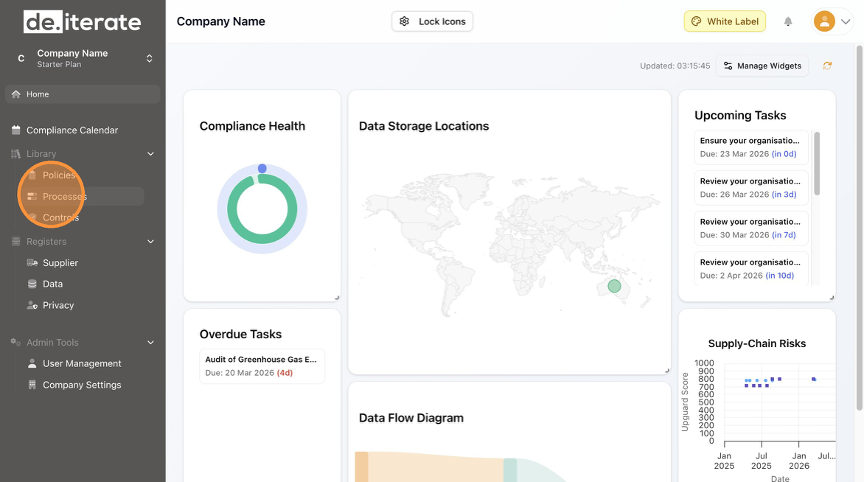
  1. Click "Processes".
  2. Click "Add Process".
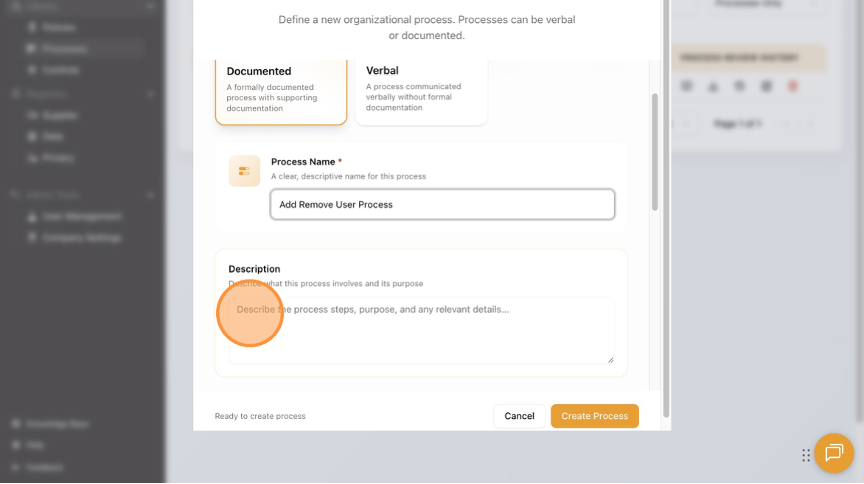
  3. Choose the Process Type.
  4. Add the "Process Name" field.
  5. Add the "Description" field.
  6. Click on the up arrow to upload the New Process document.
  7. Select the frequency that this New Process will be reviewed.
  8. Click "Create Process".
  9. Click "Home" to return to the Dashboard.