- Click "Supplier".
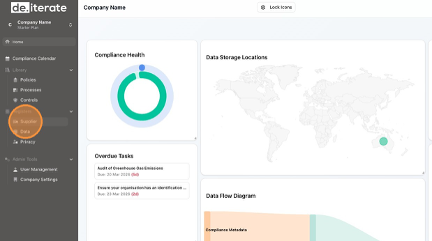
- Click "Add Supplier".

- Add the Supplier "Name" field.

- Add the Supplier "Category" from the drop-down menu.

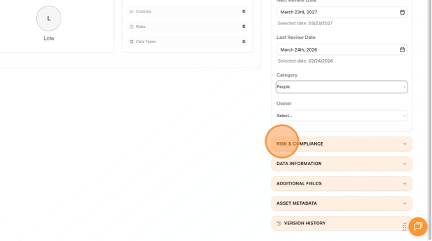
- Click "Risk & Compliance" to open the drop-down menu.
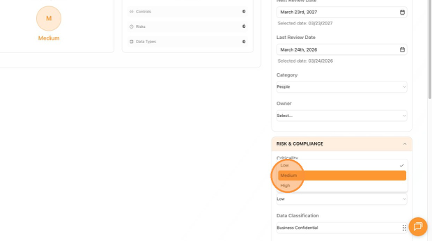
- Select the "Criticality" from the drop-down menu.

- Select the "Risk" from the drop-down menu.
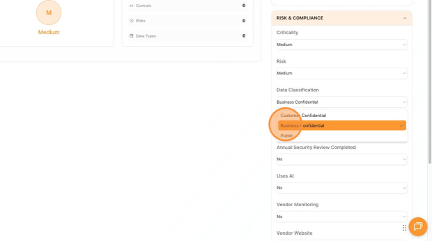
- Update the "Data Classification" from the drop-down menu.
- Select the "Annual Security Review Completed" from the drop-down menu.

- Click "Create Supplier".

- Click "Back to Supplier Register".

- Click "Home" to return to the Dashboard.

English
