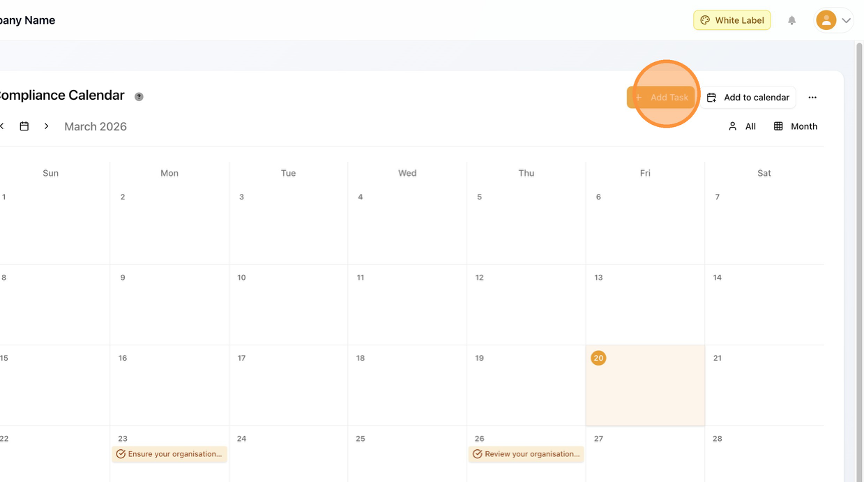
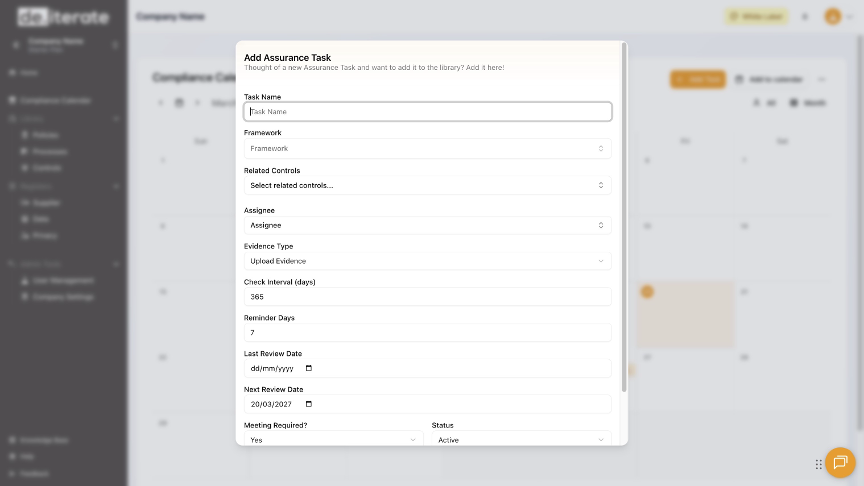
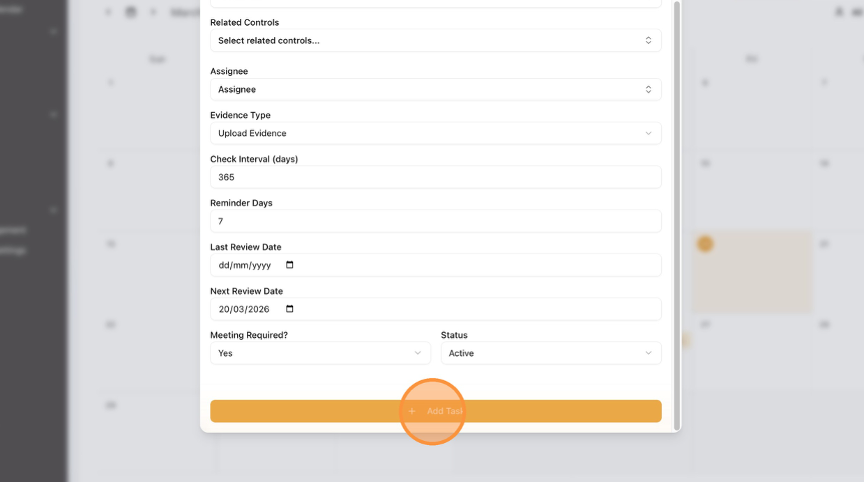
How to Add a New Task to the Compliance Calendar Learn how to quickly add a new task to your compliance calendar. This guide will walk you through the simple steps to ensure all your compliance tasks are logged efficiently. Click "Compliance Calendar". Click "Add Task". Add the "Task Name". Complete as many fields as you can. Select the "Next Review Date". Click "Add Task". Click "Home" to return to the Dashboard.