Learn how to add a new user to the platform through the user management dashboard. This guide will walk you through the simple steps to create a new user account quickly and efficiently.
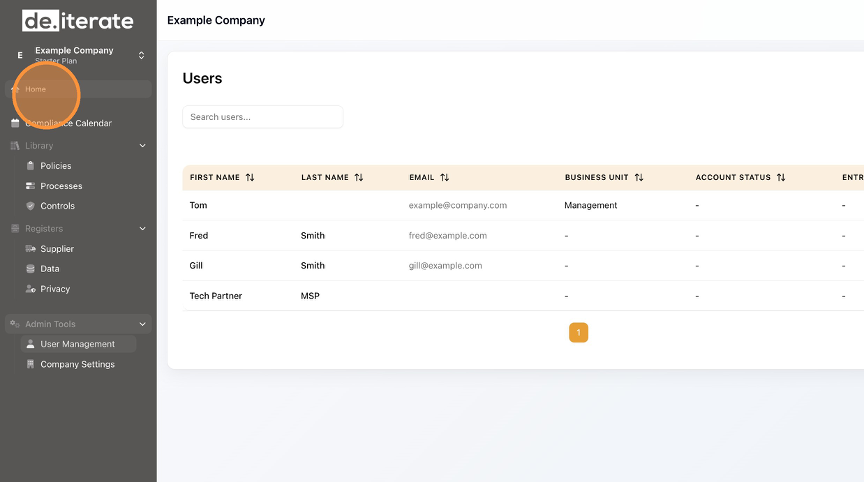
Click "User Management".
Click "Add User".
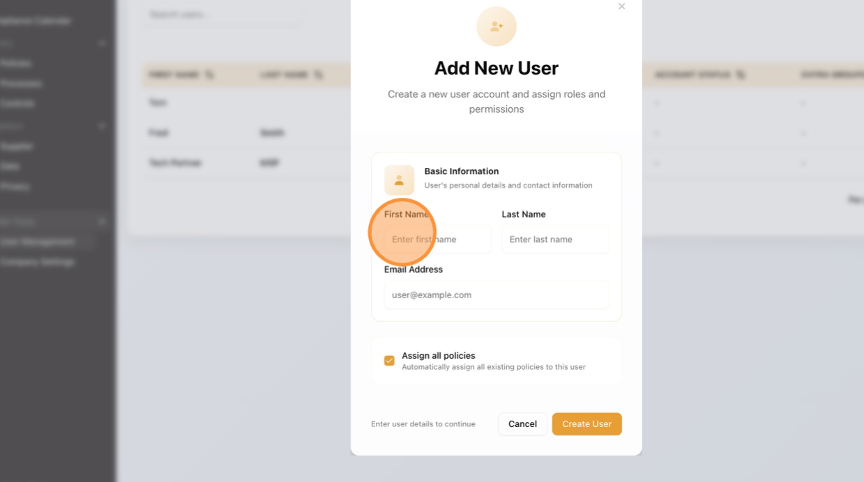
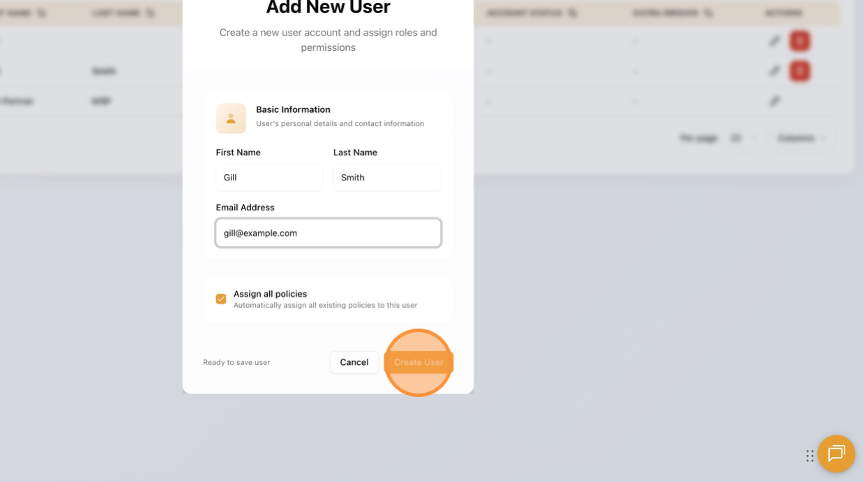
Enter the "First Name", "Last Name" and "Email Address" fields.