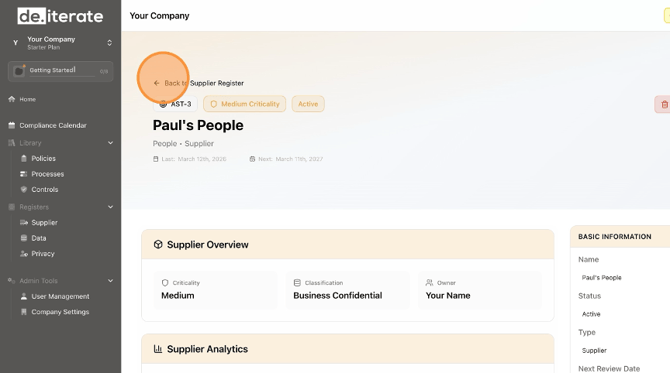
Learn how to add a new supplier to your Deit.dev account. This guide walks you through filling out all the necessary information, from basic details to data sharing preferences, ensuring a smooth onboarding process.
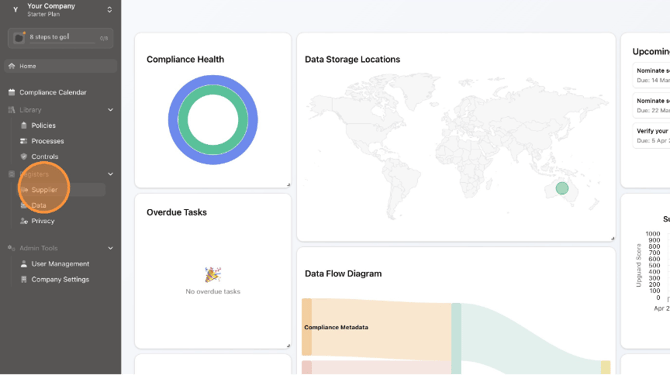
1. Click "Supplier"
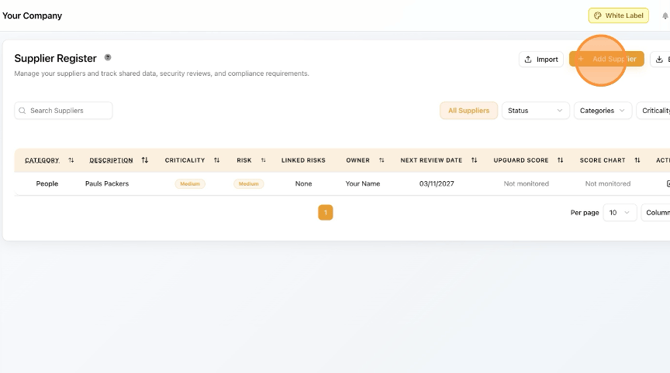
2. Click "Add Supplier"
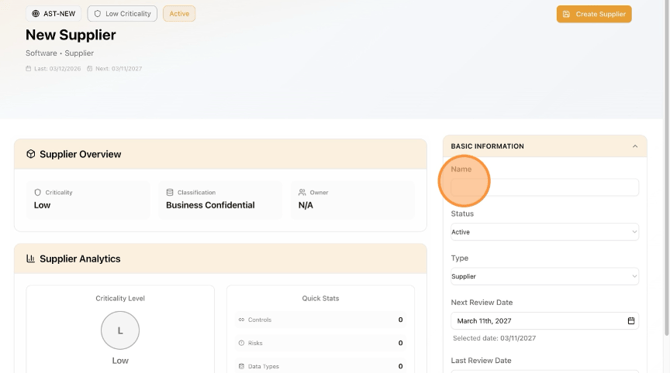
3. Add "Name"
4. Select "Status" from drop-down menu
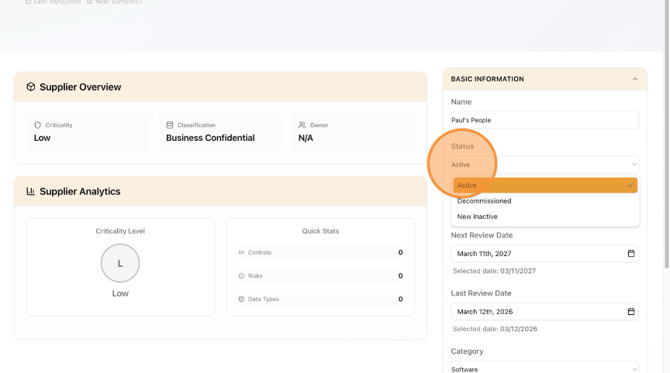
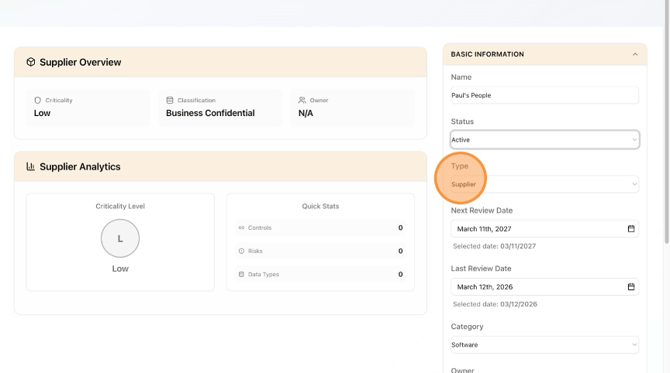
5. Select "Type" from drop-down menu
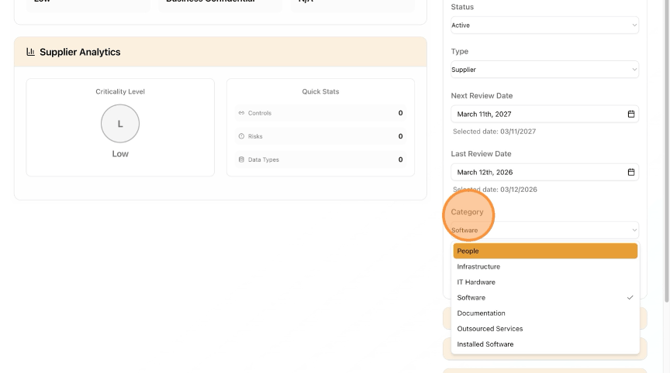
6. Select "Category" from drop-down menu
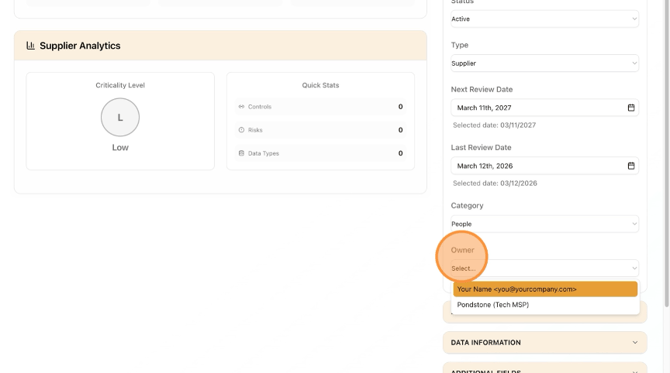
7. Select "Owner" from drop-down menu
8. Click the next section drop-down menu
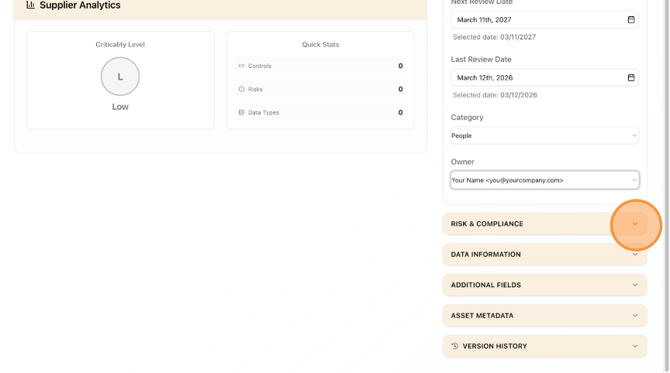
9. Select "Criticality" from drop-down menu
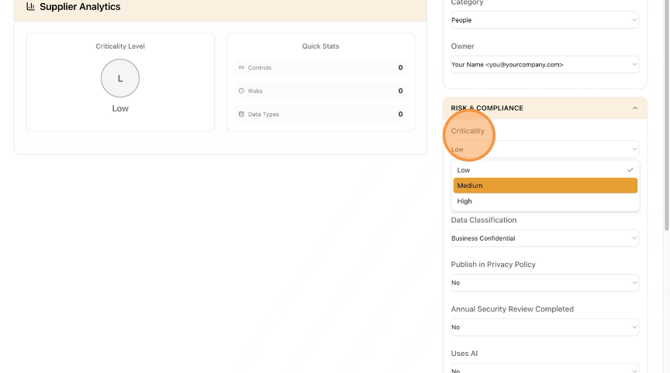
10. Select "Risk" from drop-down menu
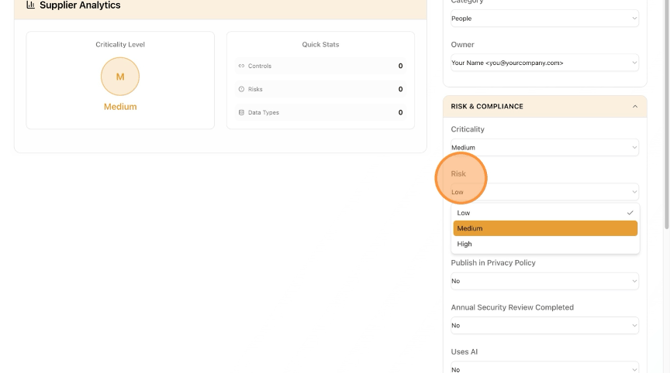
11. Select "Publish in Privacy Policy" from drop-down menu
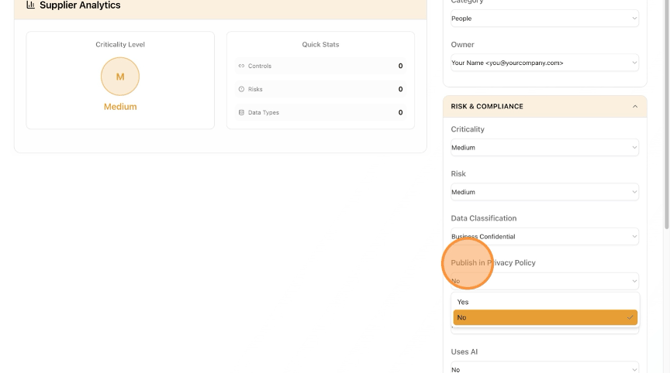
12. Select "Annual Security Review Completed" from drop-down menu
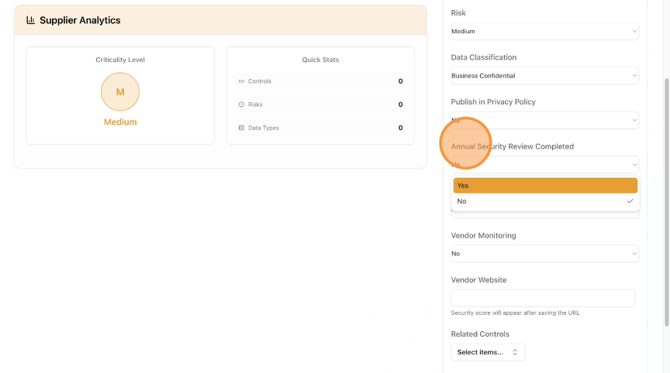
13. Select "Uses AI" from drop-down menu
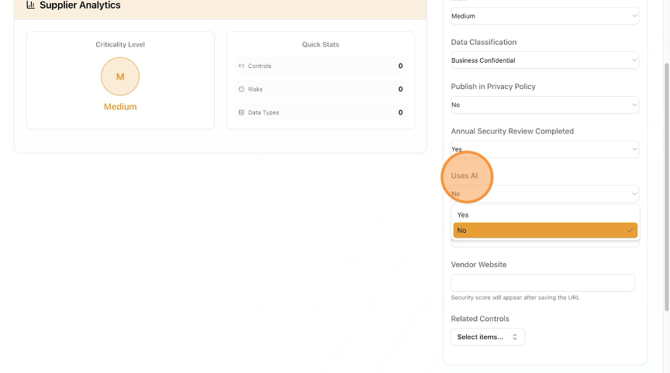
14. Select "Vendor Monitoring" from drop-down menu
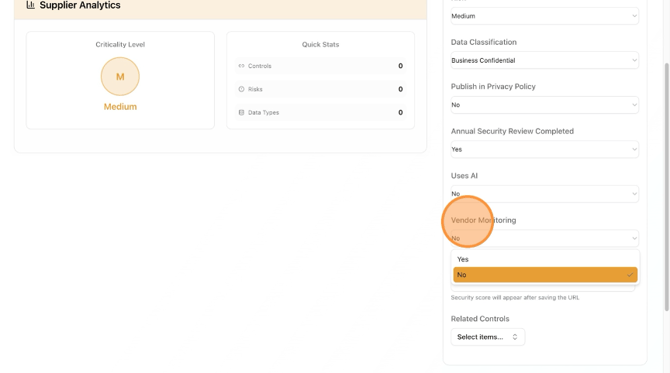
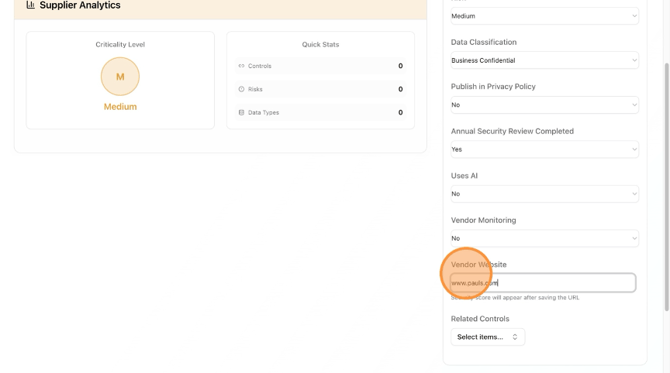
15. Add "Vendor Website"
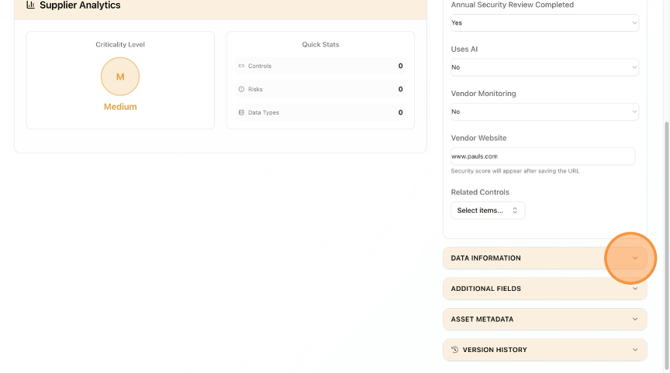
16. Click the next section drop-down menu
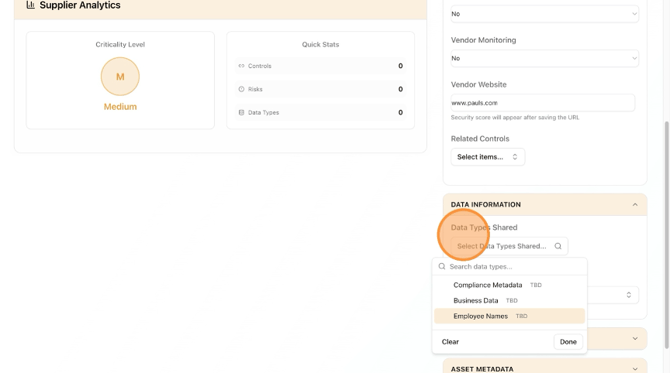
17. Select "Data Types Shared"
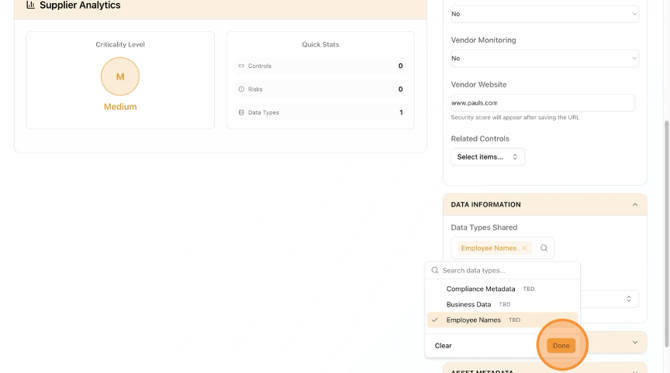
18. Click "Done"
19. Click "Select Data Storage Locations"
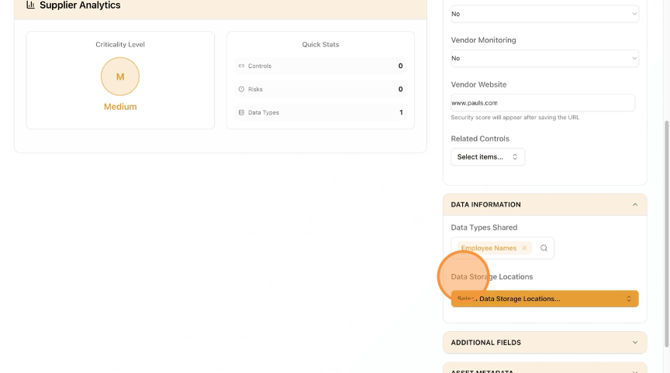
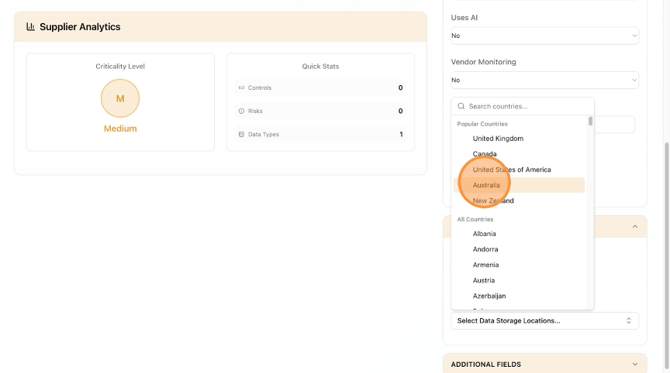
20. Select Locations from drop-down menu
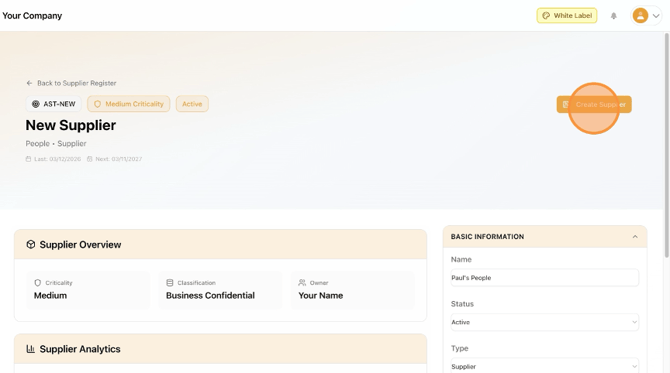
21. Scroll to top of page and click "Create Supplier"
22. Click "Back to Supplier Register"