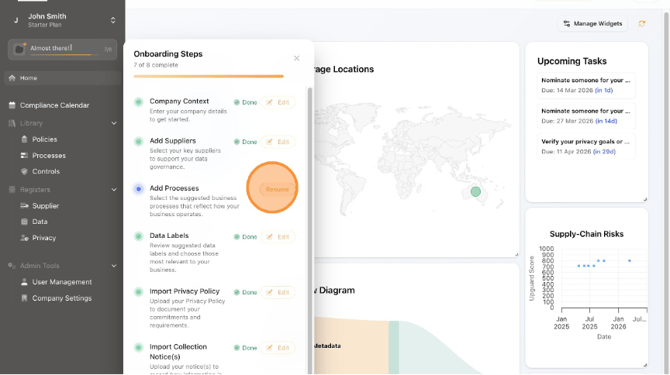
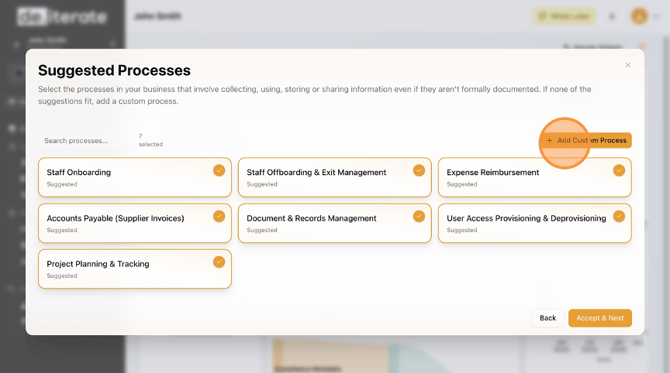
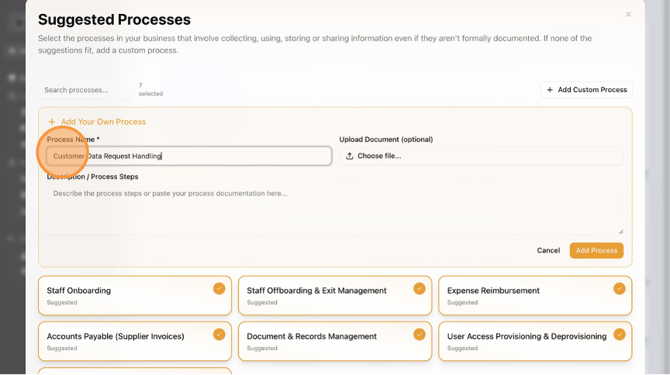
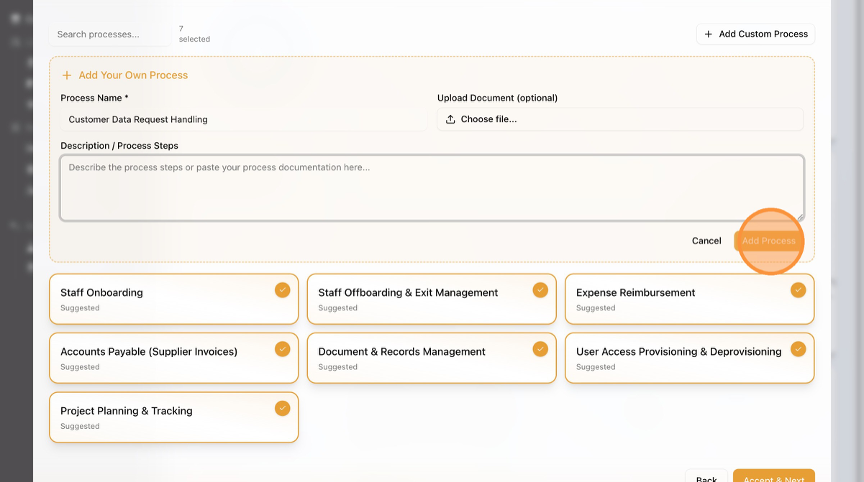
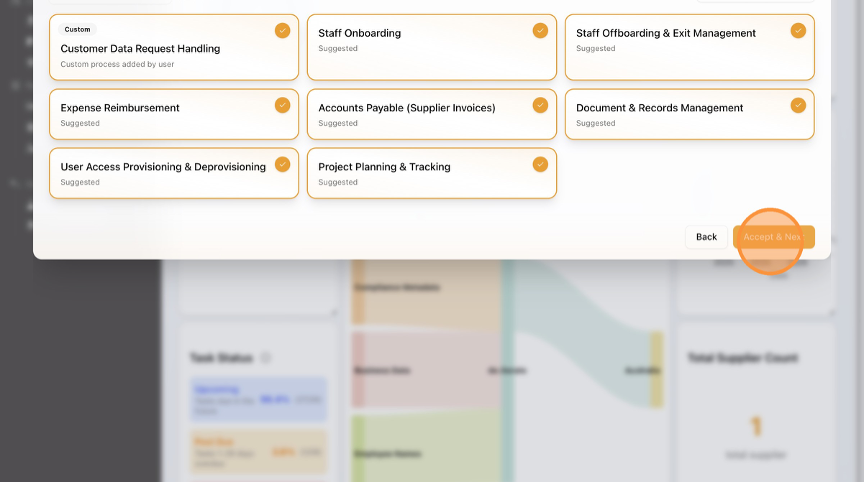
How to Complete Onboarding - Add Processes How to Add Processes to your Profile. This guide takes you through how to select popular Processes that relate to your business, as well as add Custom Processes. Click on "Almost there" and Click "Resume". Click "Add Custom Process" if applicable. Type "Process Name". Click "Add Process". Click "Accept & Next".