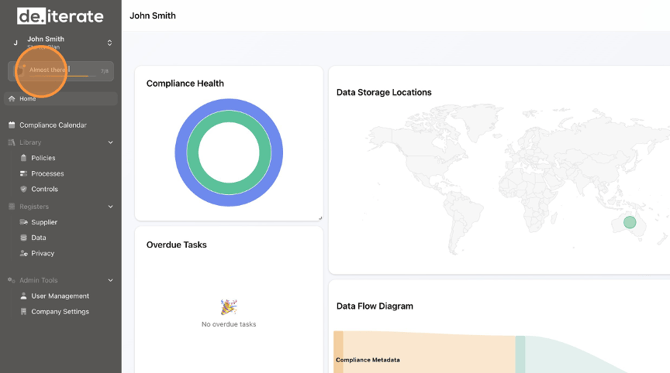
- Navigate to the Onboarding section.
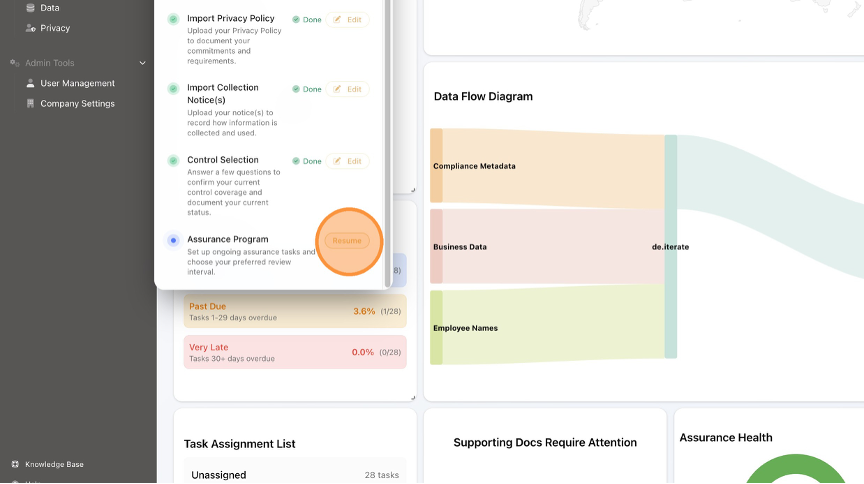
- Click "Resume" next to "Assurance Program".
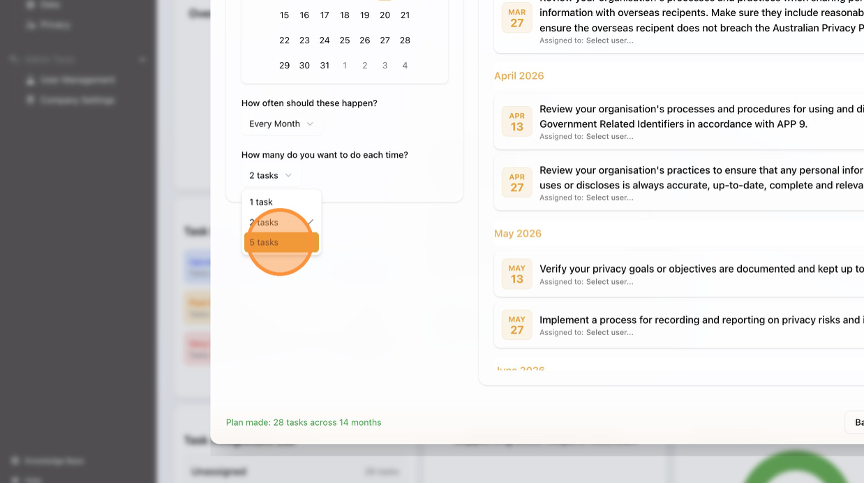
- Select how often Assurance Tasks should be completed from the drop-down menu.
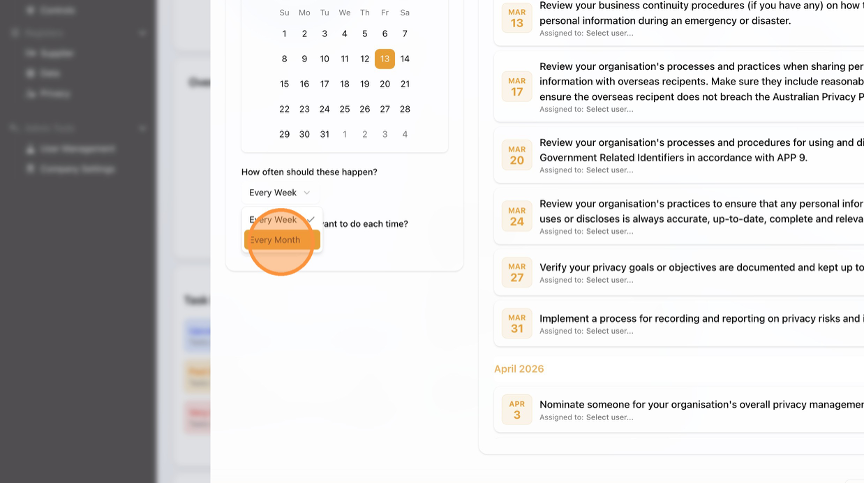
- Select how many Assurance Tasks you want to complete each time from the drop-down menu.
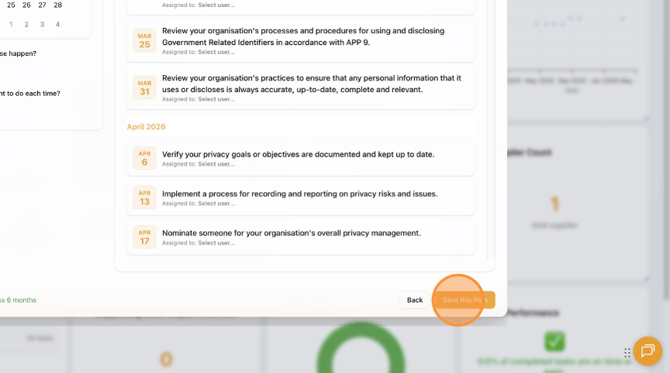
- If necessary, scroll down to the bottom of the page.
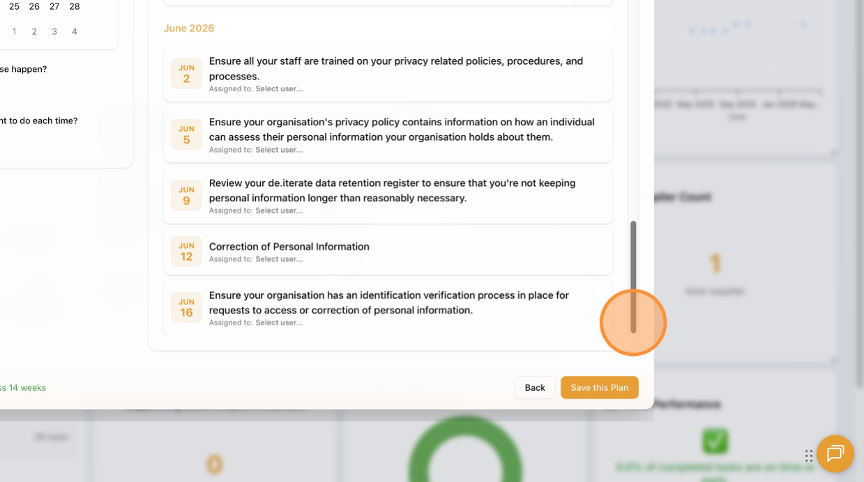
- Click "Save this Plan".