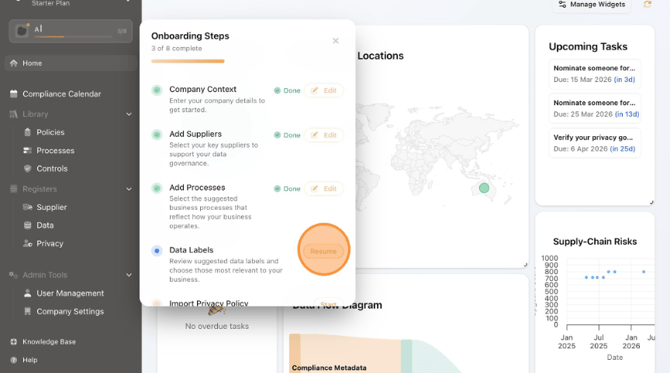
- Click on the Onboarding section and Click "Resume" next to "Data Labels".
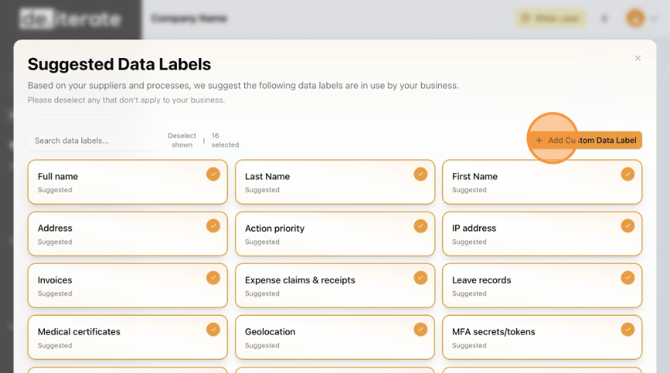
- Check if Data Labels apply, deselect any that don't apply. If necessary, Click "Add Custom Data Label".
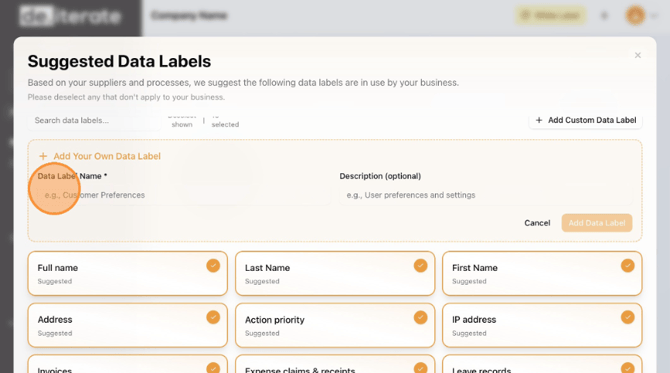
- Enter the "Data Label Name".
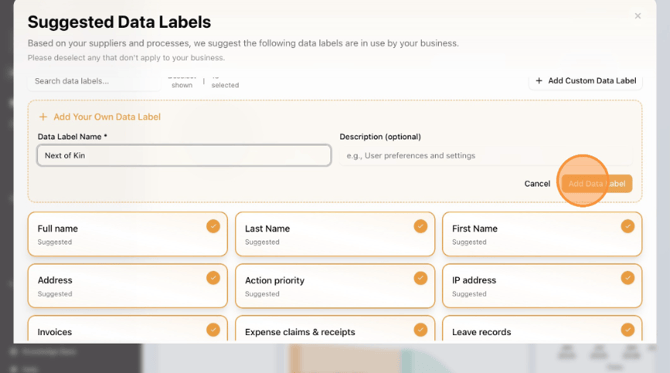
- Click "Add Data Label".
Click on"Accept & Next".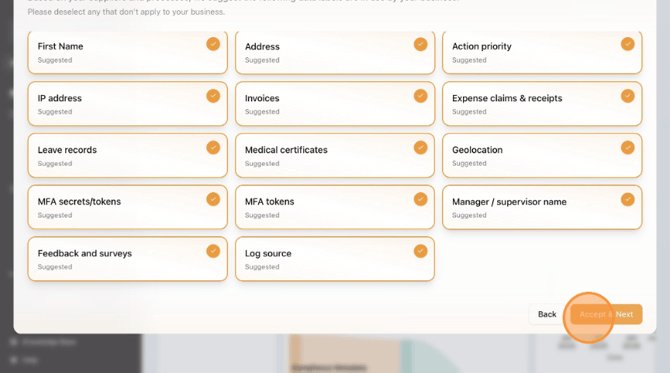
English
