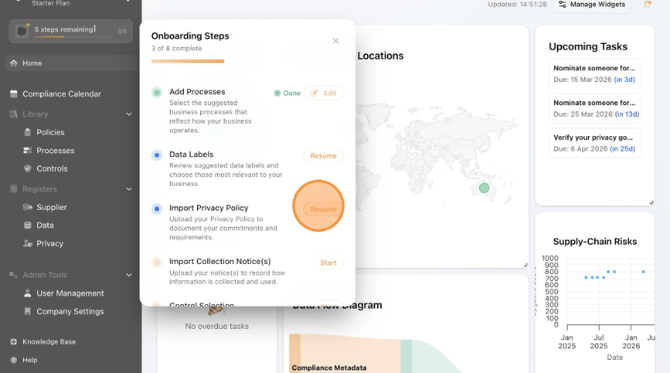
- Navigate to the Onboarding section and Click "Resume" next to "Import Privacy Policy".
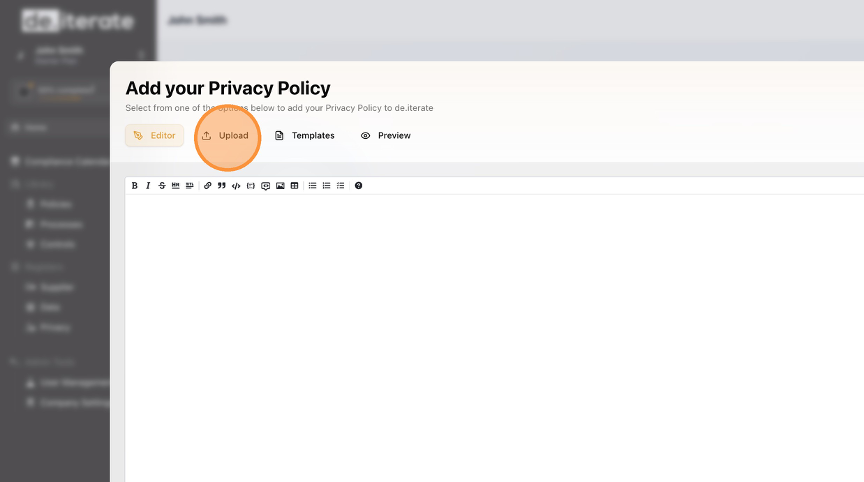
- To upload your existing Privacy Policy, Click on "Upload".
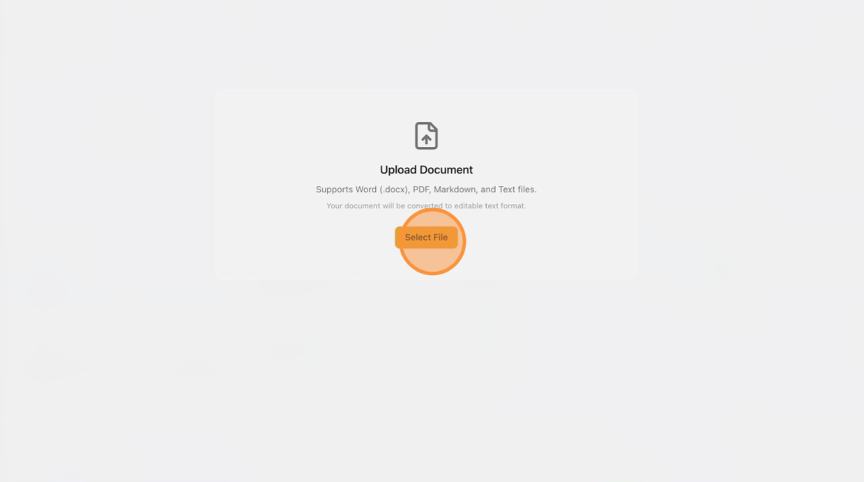
- Click "Select File".
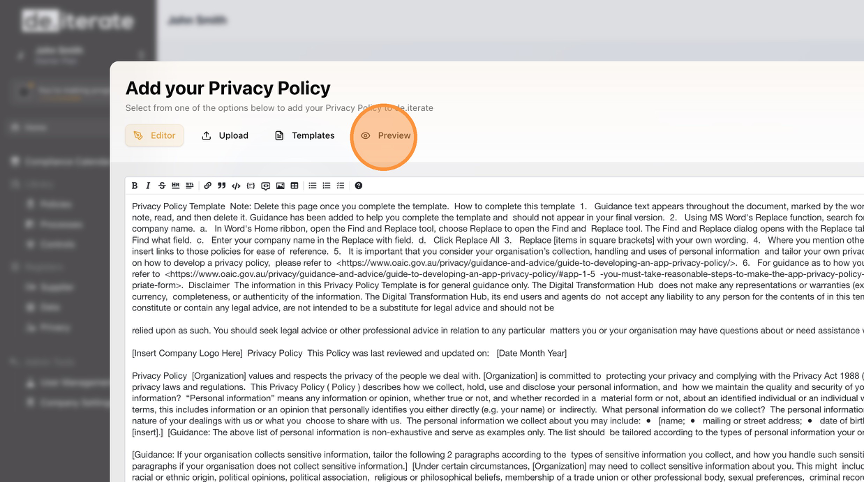
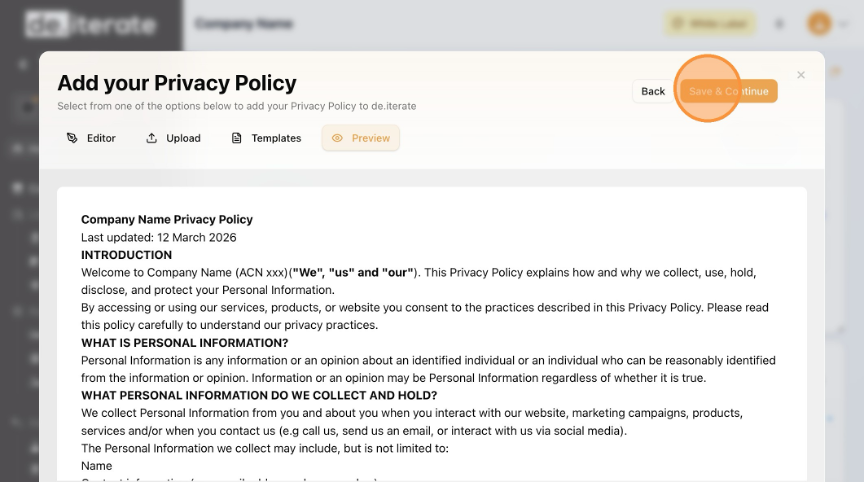
- Click "Preview" to check it is correct.
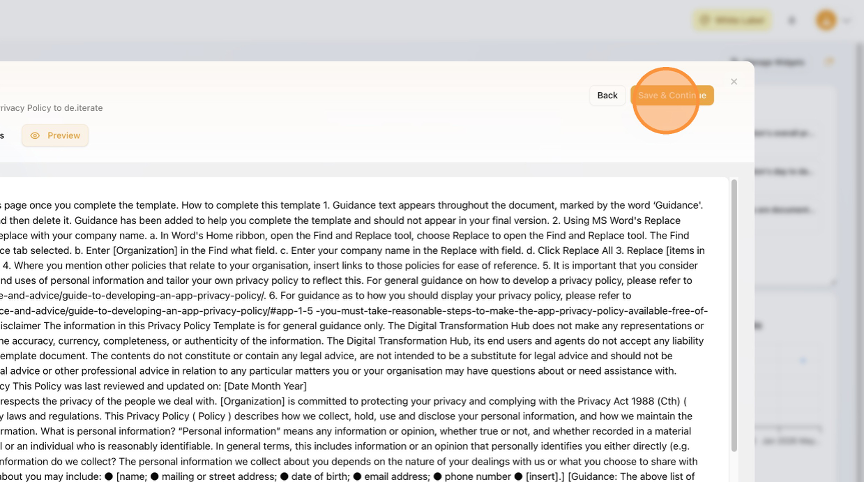
- Click "Save & Continue".
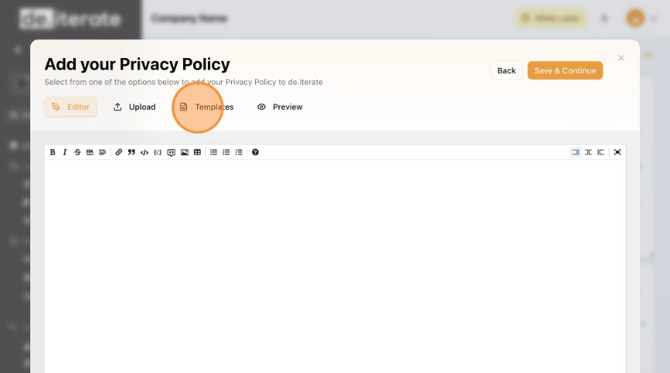
- Alternatively, Click "Templates" if you don't have an existing Privacy Policy.
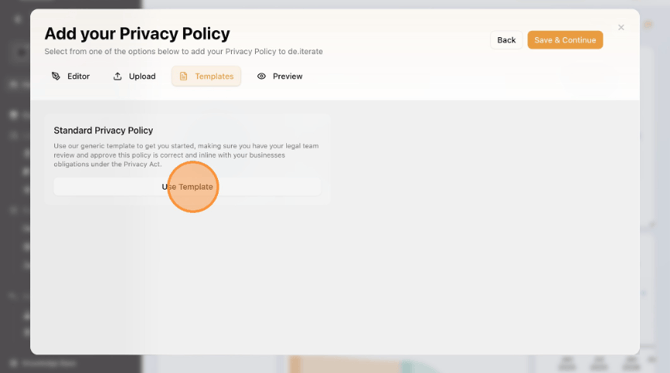
- Click "Use Template".
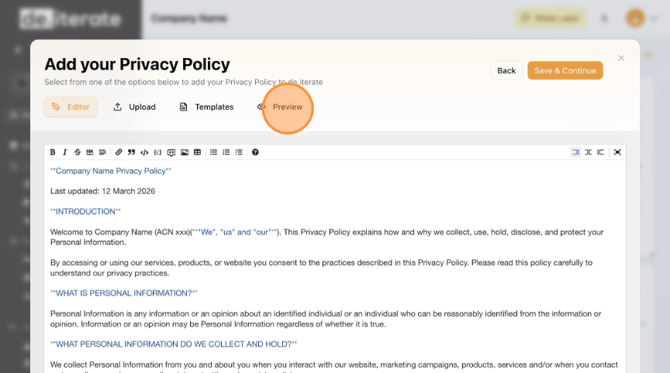
- Click "Preview" and check it is correct.
- Click "Save & Continue"
English
