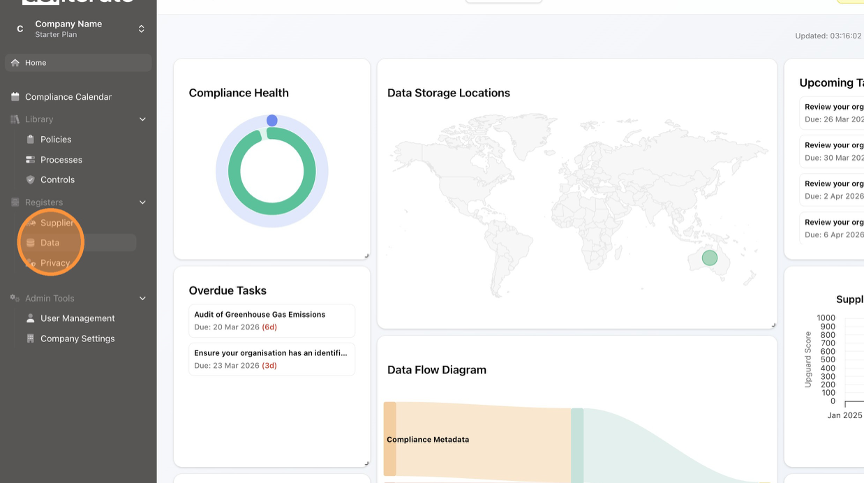
How to Delete a Data Type in the Data Register Learn how to simply delete a data type in the Data Register. This guide provides step-by-step instructions to remove a Data Type. Click "Data". Click the Delete (rubbish bin) button. Click "Delete". Click "Home" to return to the Dashboard.