This guide demonstrates the simple process of deleting a policy from the Policy Library. Follow these steps to remove unwanted policies efficiently and keep your Library organised.
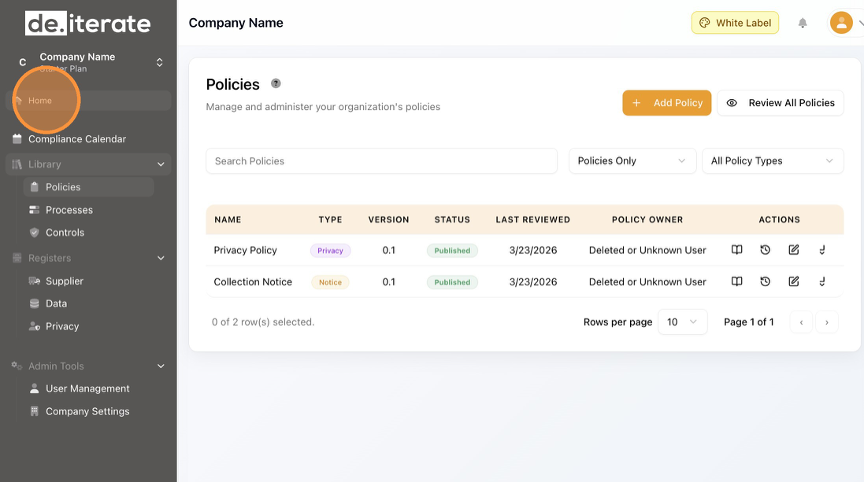
Click "Policies".
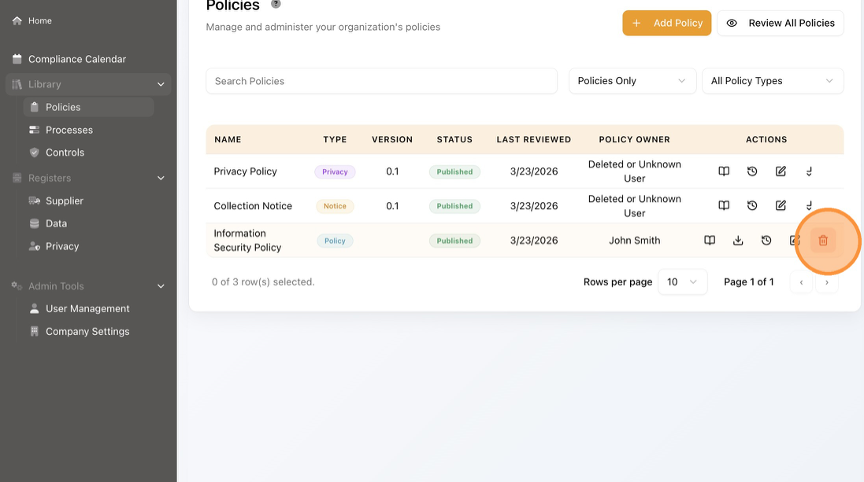
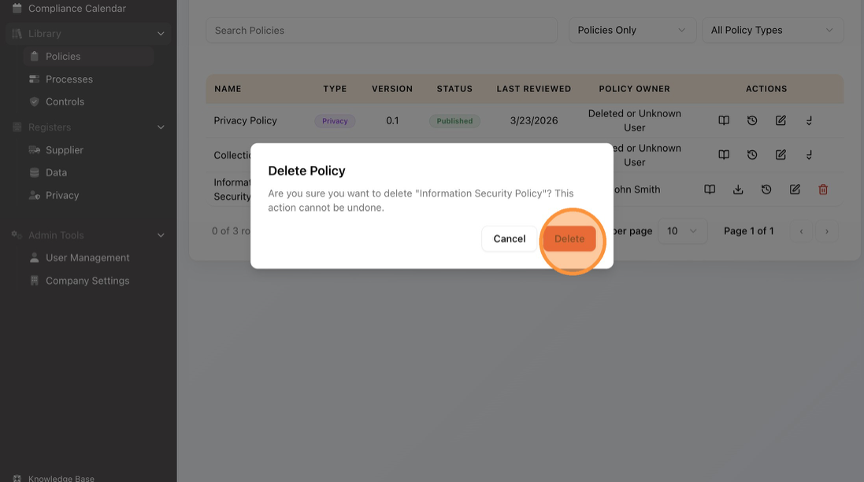
Select the Policy you want to Delete and Click the bin icon.