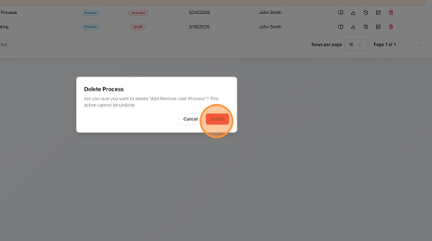
How to Delete a Process in the Process Library Learn how to remove a process from your Process Library. This guide walks you through the simple steps to delete a process, ensuring your dashboard remains organised and up-to-date. Click "Processes". Click the Delete (bin) button. Click "Delete". Click "Home" to return to the Dashboard.