How to Delete a Supplier from the Supplier Register
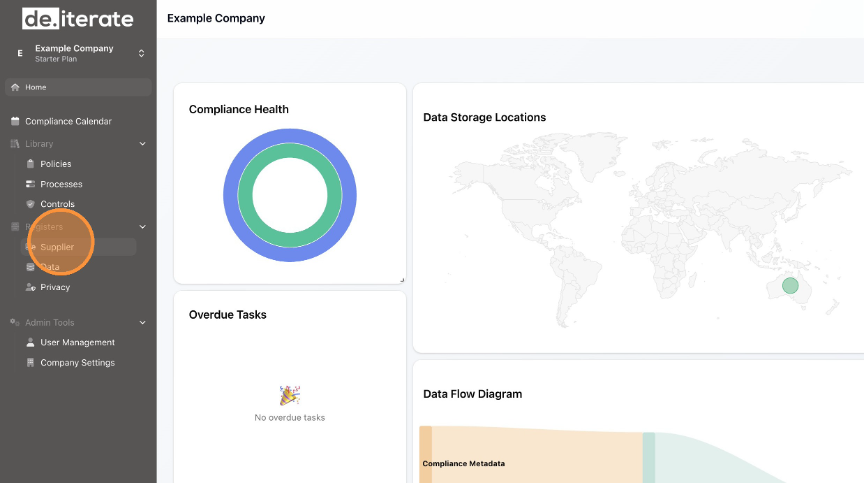
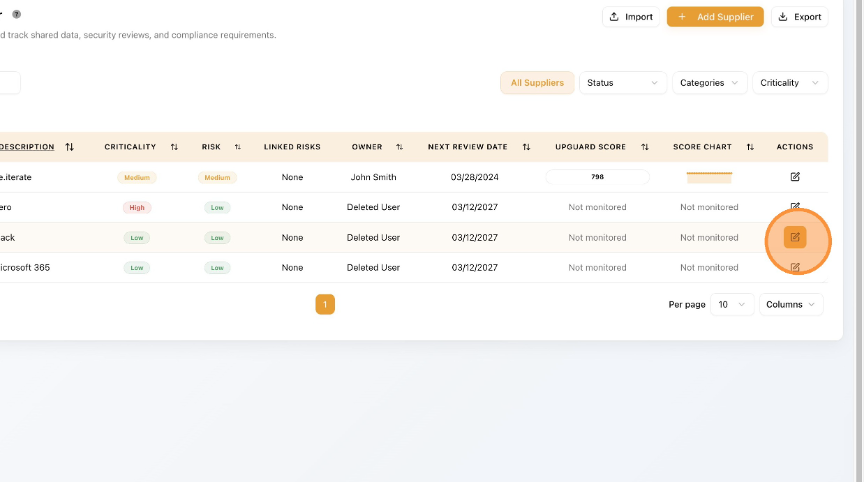
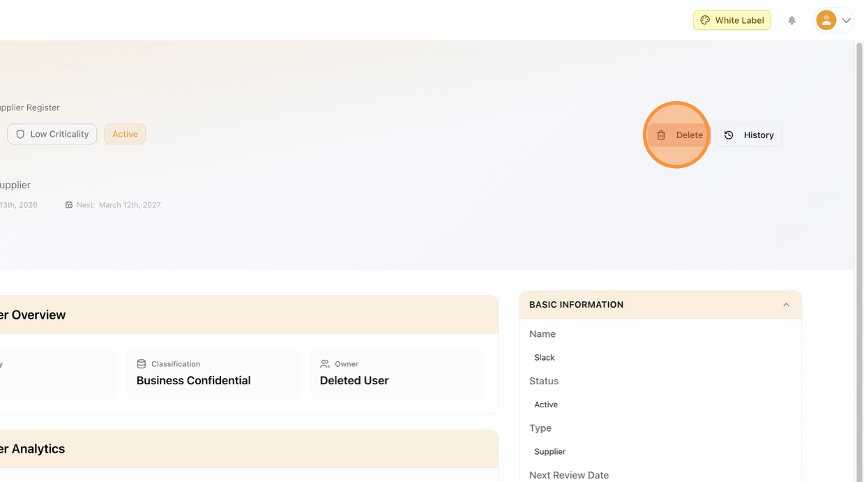
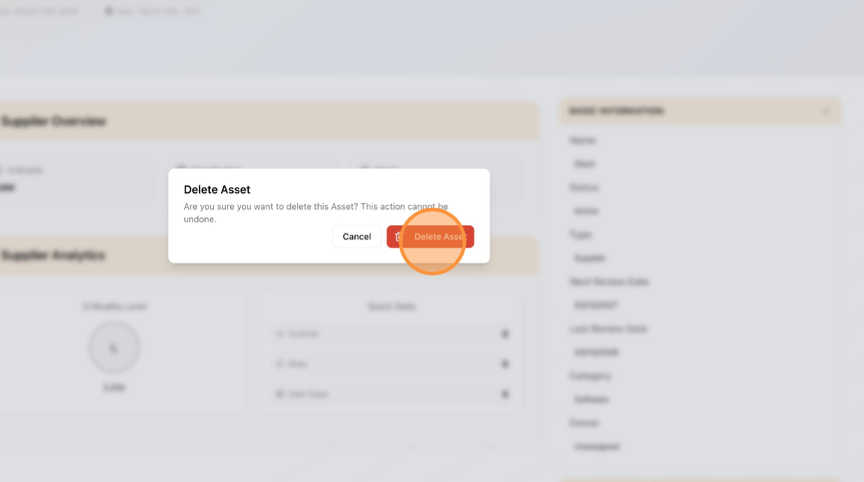
Learn how to remove a Supplier from the platform by navigating the supplier dashboard and confirming the deletion. This guide provides clear steps to ensure you can successfully delete unwanted Suppliers.