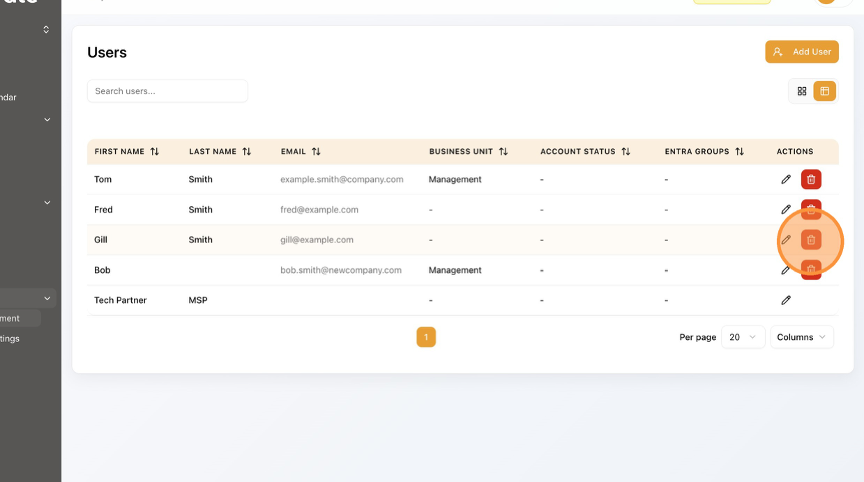
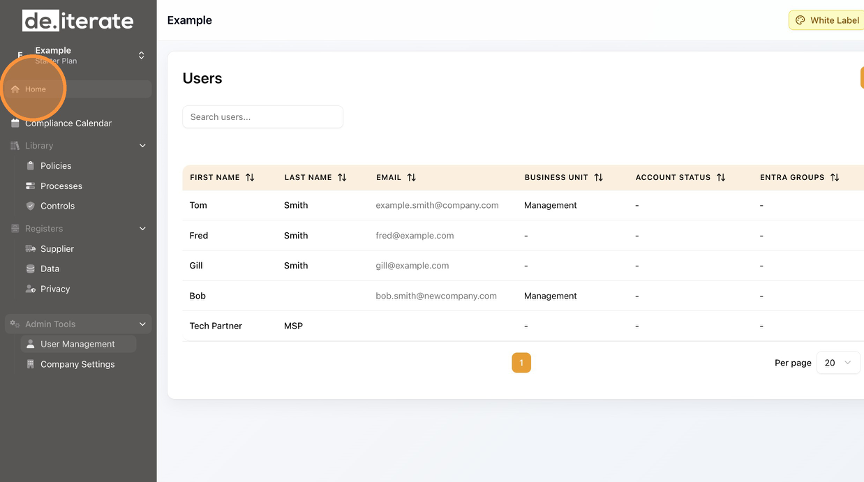
How to Delete a User in User Management Learn how to remove a user from the platform. This guide will walk you through the simple steps to ensure proper user management is up to date. Click "User Management". Click the Delete (rubbish bin) button. Click "Delete". Click "Home" to return to the Dashboard.