- Click "Compliance Calendar".

- Click the three dots in the top right-hand corner.
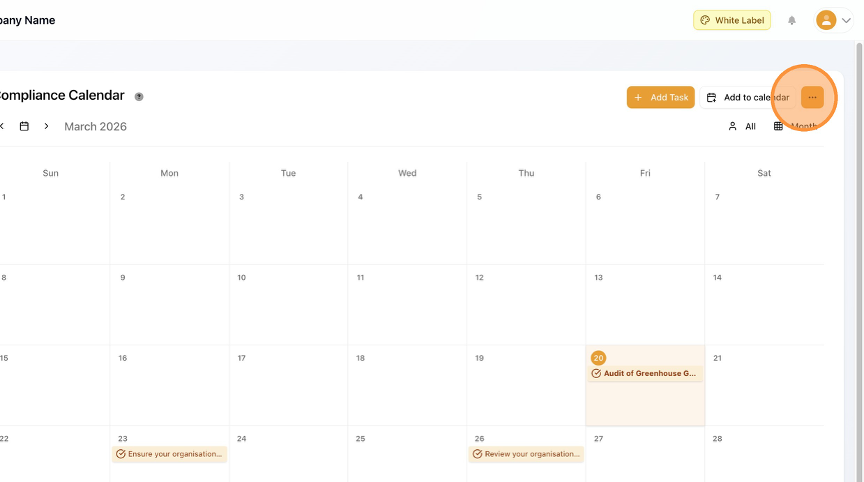
- Click "View All Tasks".

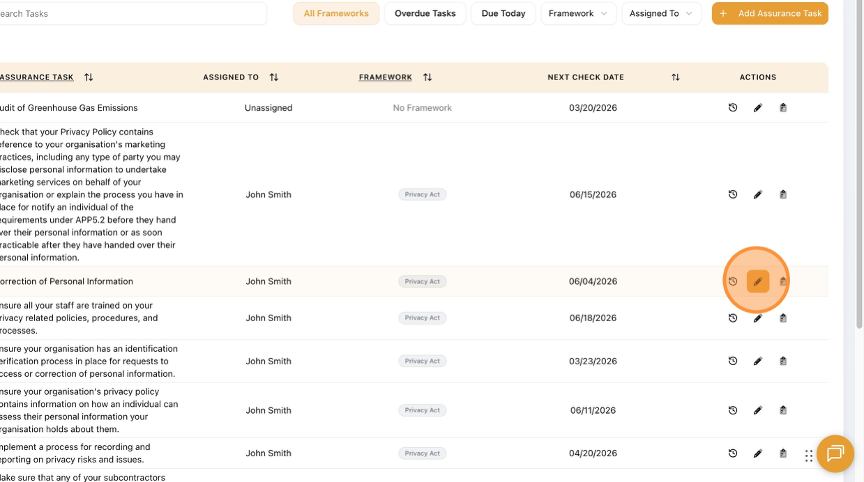
- Select the Task you need to edit. Click the pencil icon.
- Make your Edit.
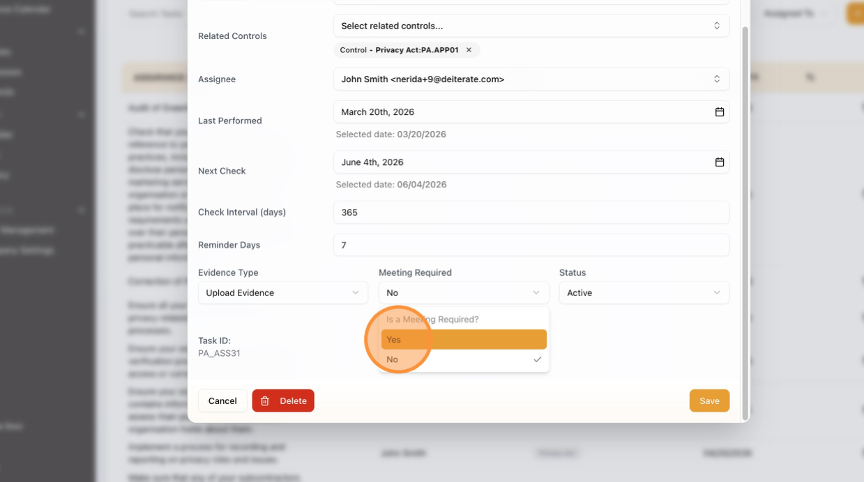
- Click "Save".

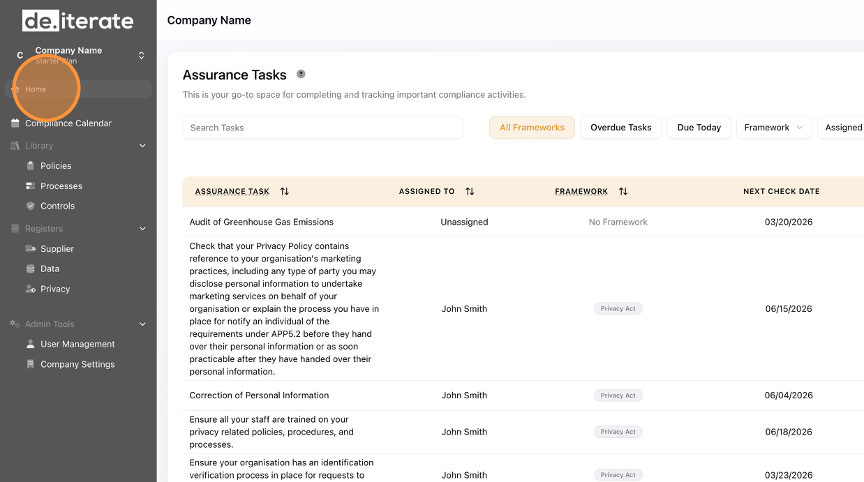
- Click "Home" to return to the Dashboard.
English
