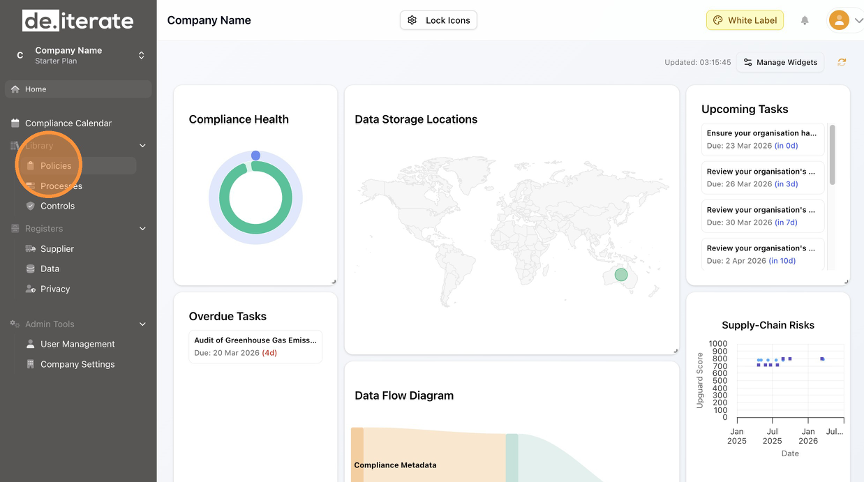
- Click "Policies".
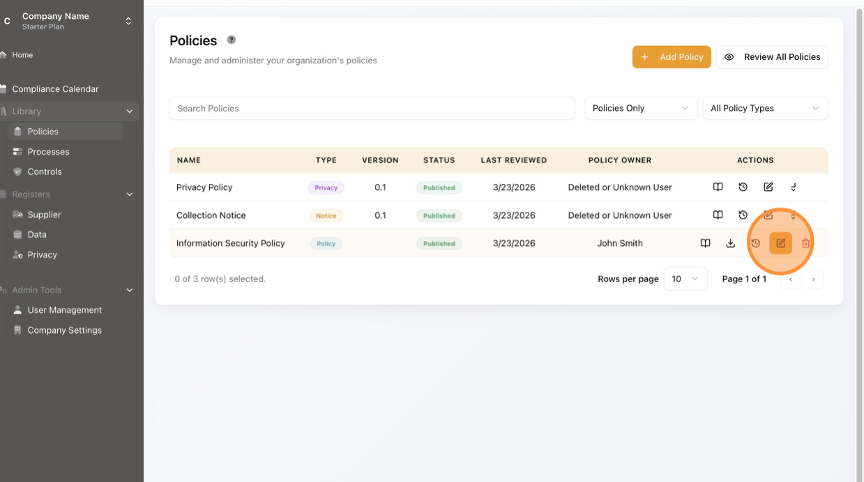
- Click the Edit (pencil) button.
- To Edit the Review Schedule, Click the date field.

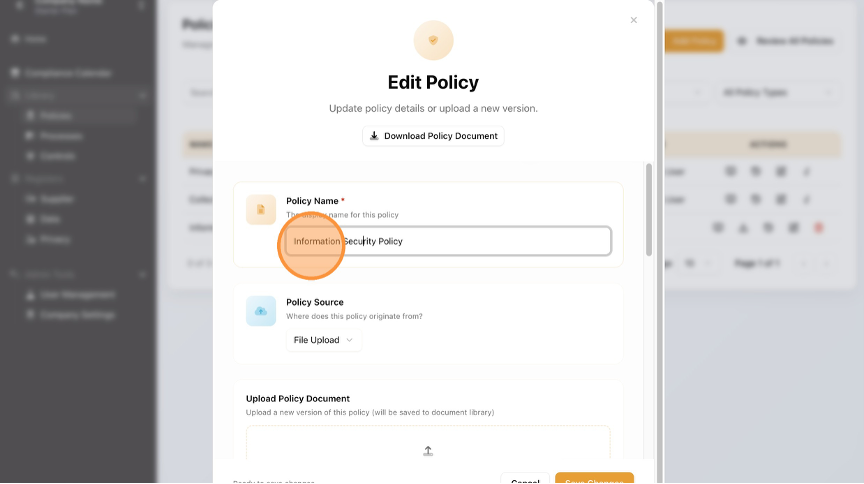
- To Edit the Policy Name, update the "Policy Name *" field.
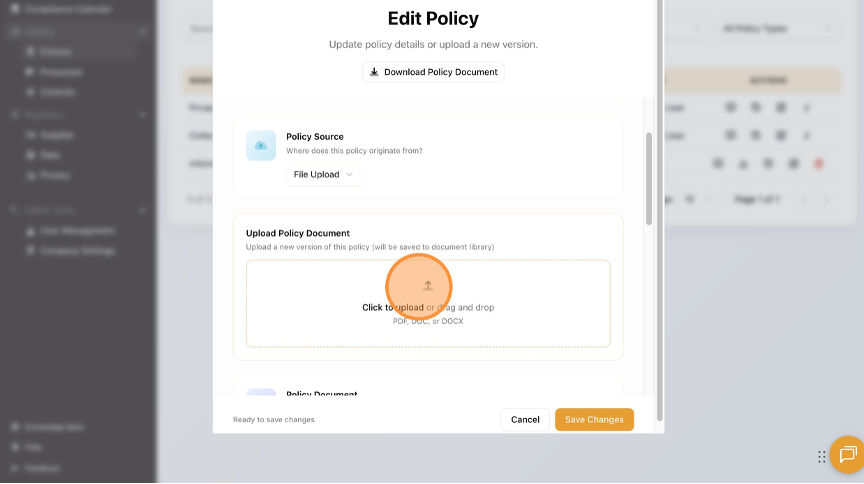
- To Edit the Policy, click the up arrow and upload a new Policy.
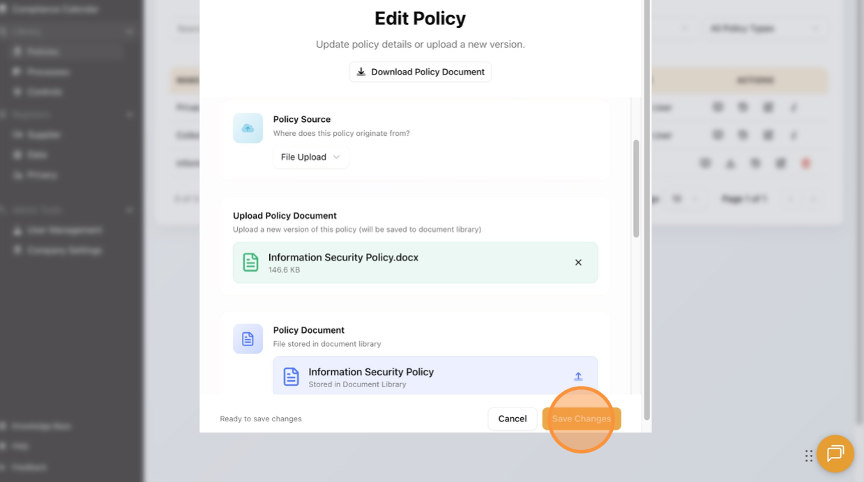
- Click "Save Changes".
- Click the "x" in the top right corner.

- Click "Home" to return to the Dashboard.

English
