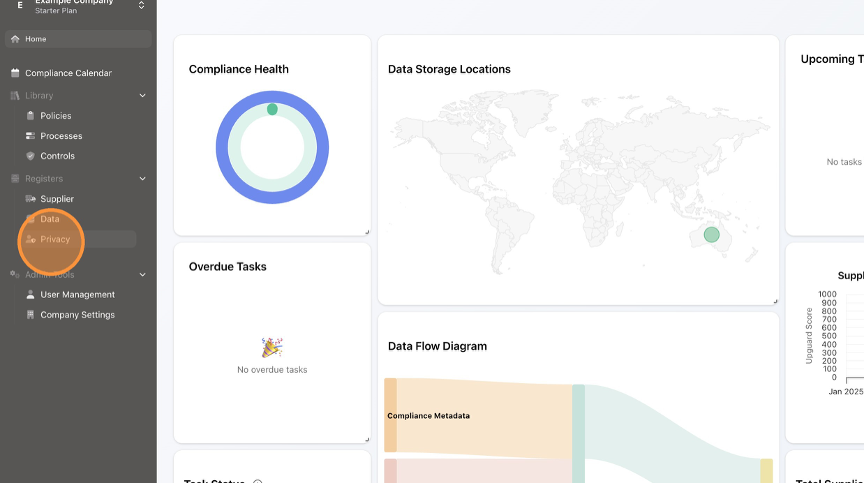
- Click "Privacy".
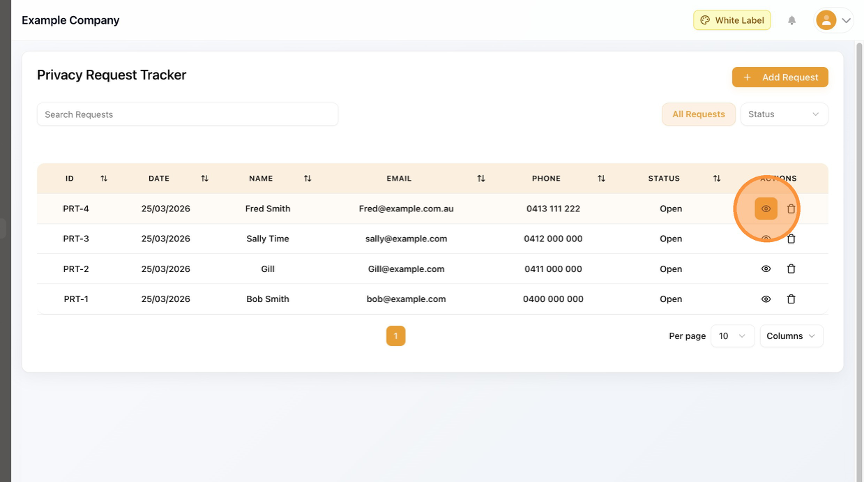
- Click the View / Edit (eye) button.
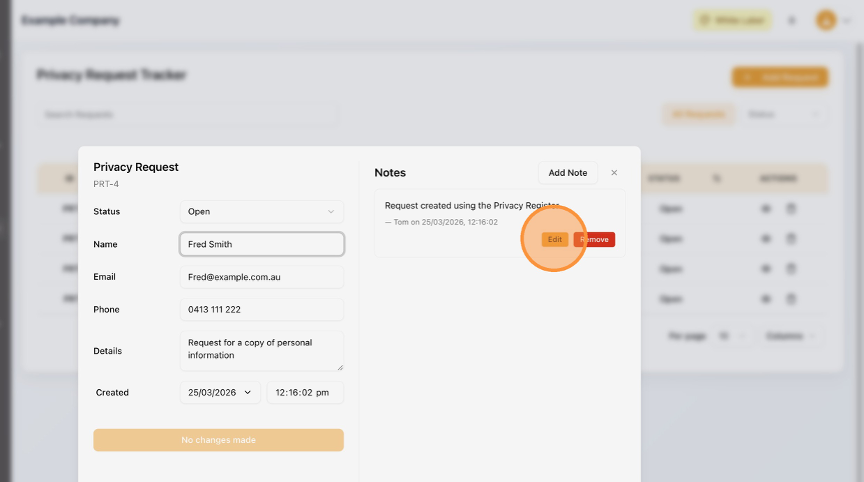
- To Edit the Notes, click the "Edit" button.
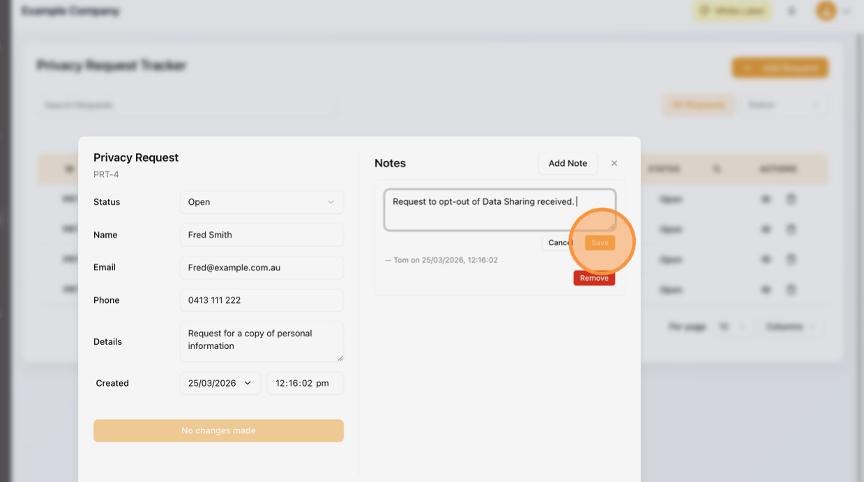
- Update the text box as necessary.
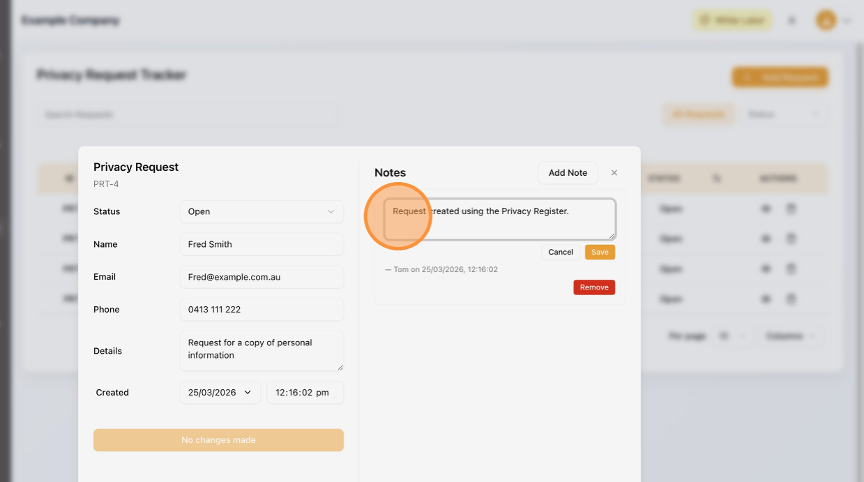
- Click "Save".
- Click this field.
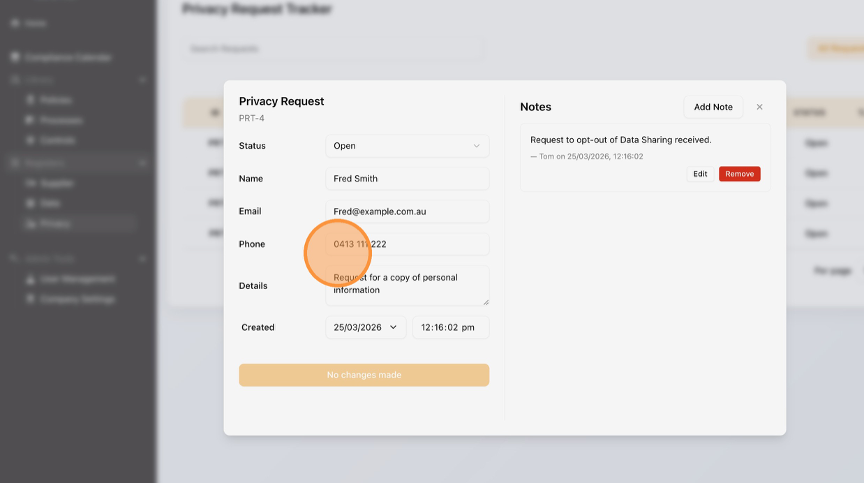
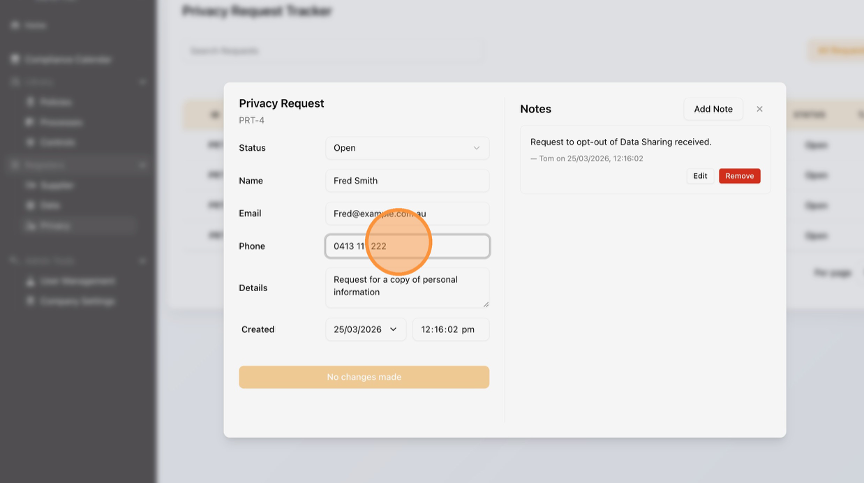
- To Edit any other fields, click on the necessary text box.
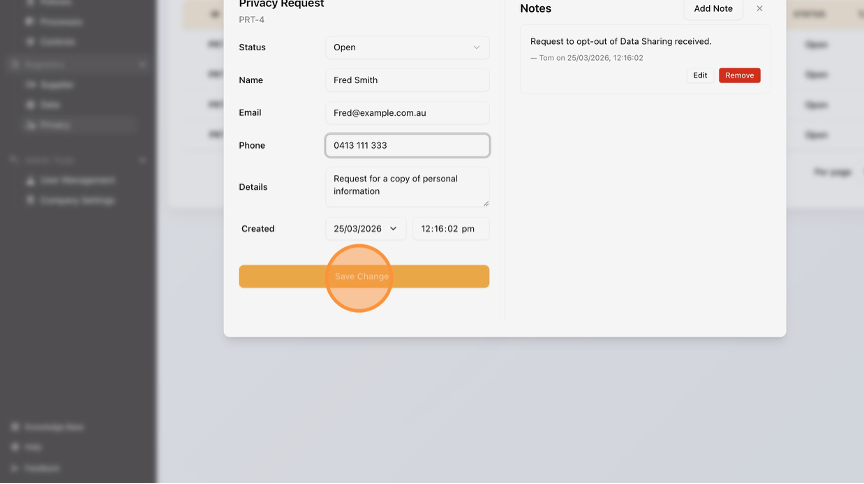
- Click "Save Changes".
- Click "Home" to return to the Dashboard.

English
