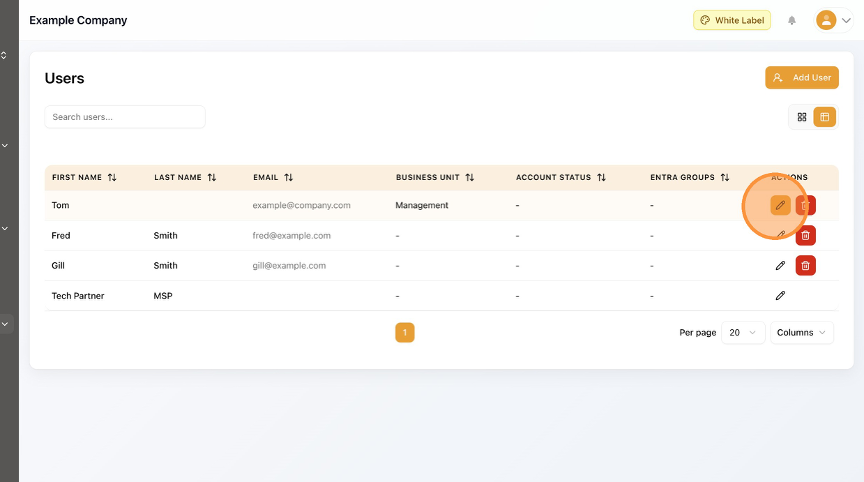
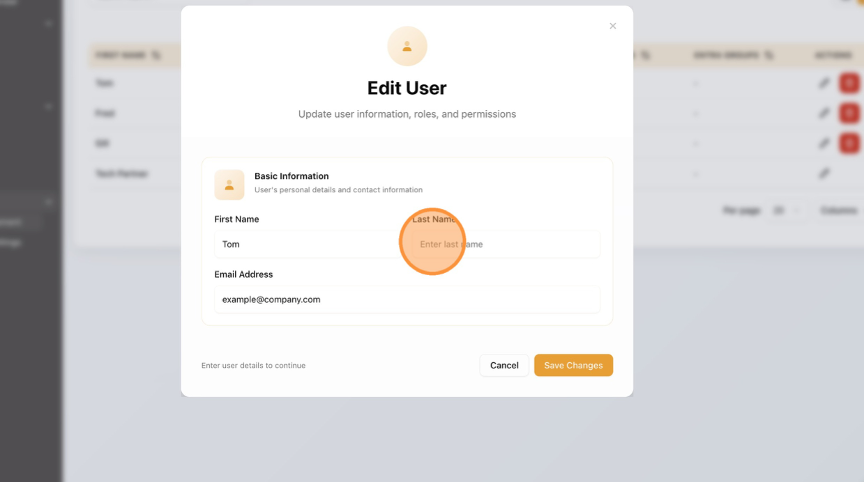
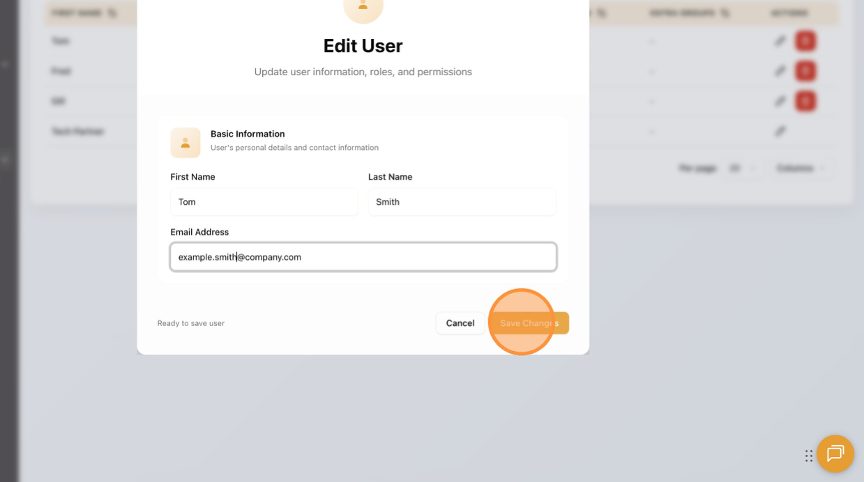
How to Edit a User in User Management Learn how to update a user's information. This guide provides step-by-step instructions for navigating the user management section and completing an Edit. Click "User Management". Click the Edit (pencil) button. To Edit a field, click on the text box. Click "Save Changes". Click "Home" to return to the Dashboard.