- Click "Company Settings".

- To upload a Company Logo, Click here.

- To update Company Legal Name, click the text box.

- Click the "ABN / ACN" field to update details.

- To update the "Address", click the text box.

- To update the "City", click the text box.

- Click "Save Business Details".

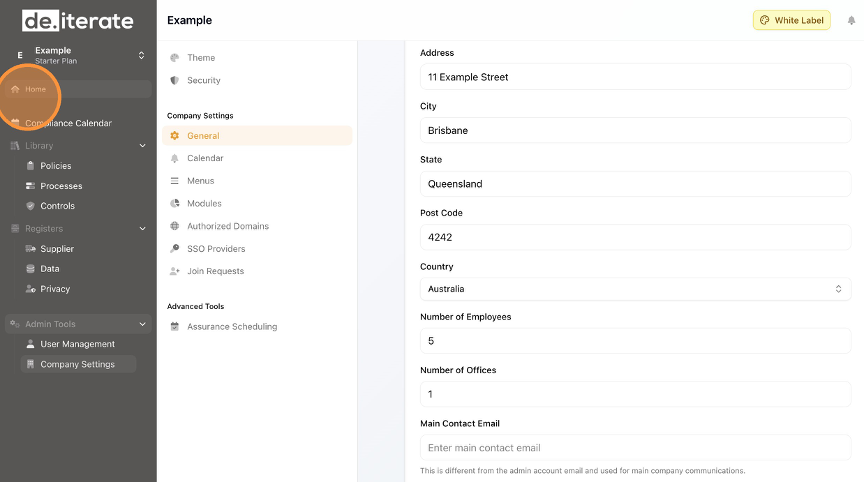
- Click "Home" to return to the Dashboard.
English
