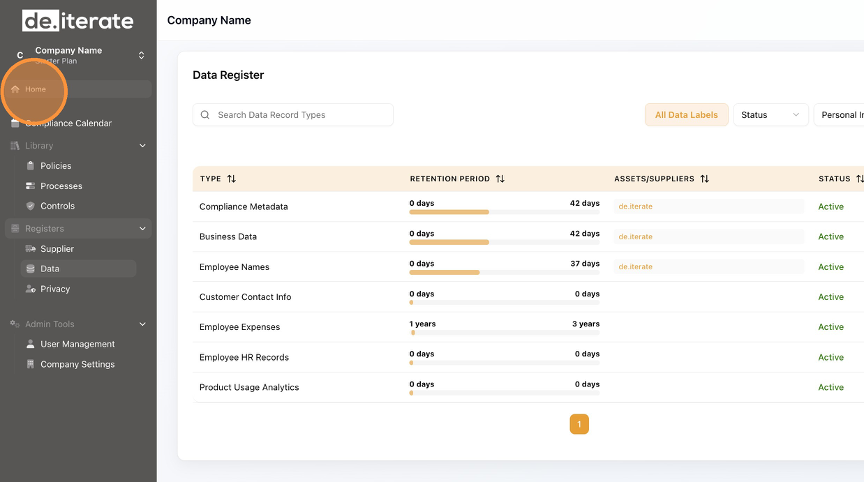
Learn how to effectively Edit data within the Data Register. This guide will walk you through the simple steps to ensure your data fields are up to date.
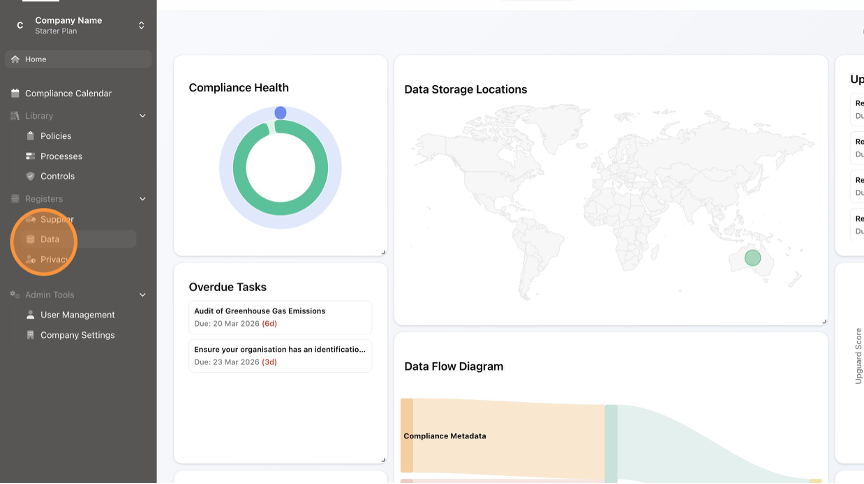
Click "Data".
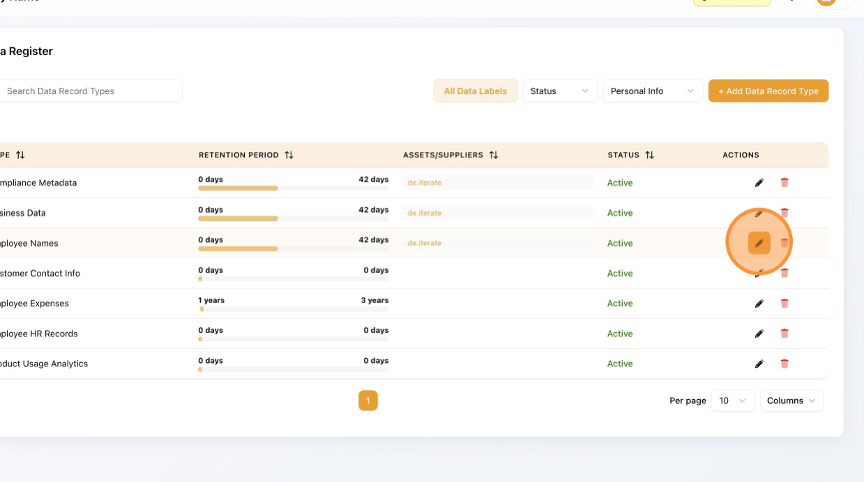
Click the "Edit" (pencil) button.
Click the field you need to Edit, for example "Description".