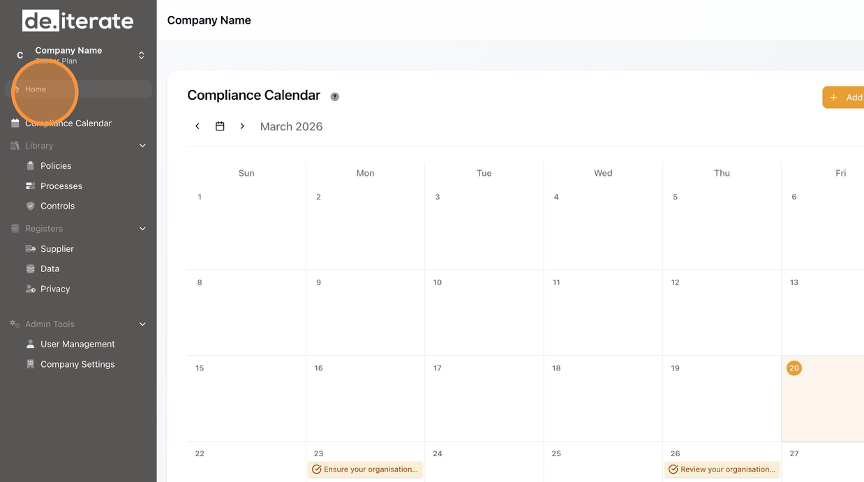
- Click "Compliance Calendar".

- Click on the Task you wish to perform.

- Update the Action (if necessary) from the drop-down menu.

- If uploading evidence, select "Upload Evidence".
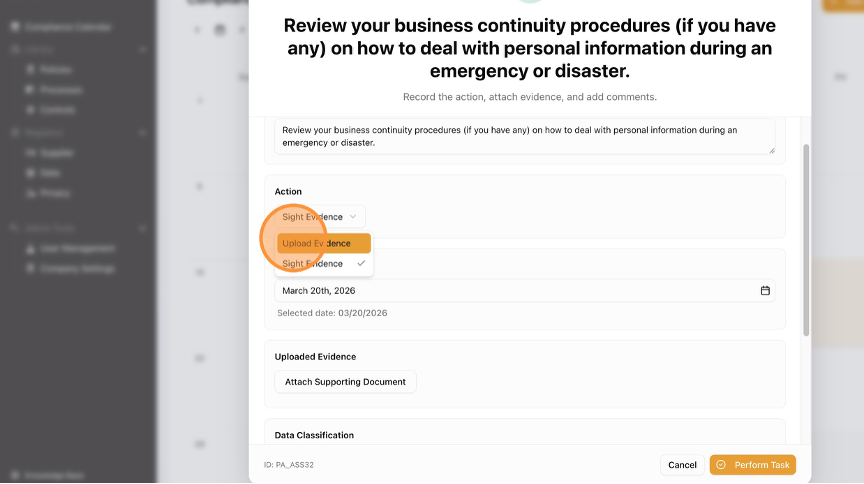
- Click "Attach Supporting Document".

- Update Data Classification (if necessary) from the drop-down menu.

- Click the "Add notes about the task..." field.

- Click "Perform Task".

- Click "Home" to return to the dashboard.
English
