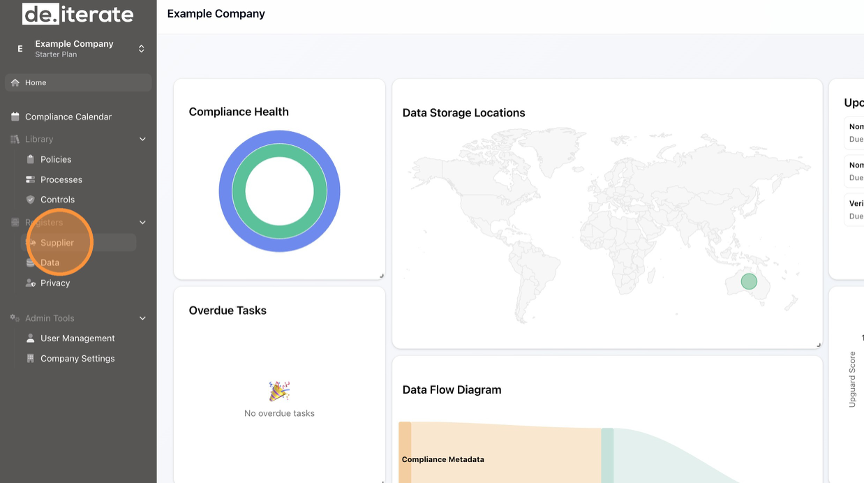
- Click "Supplier".
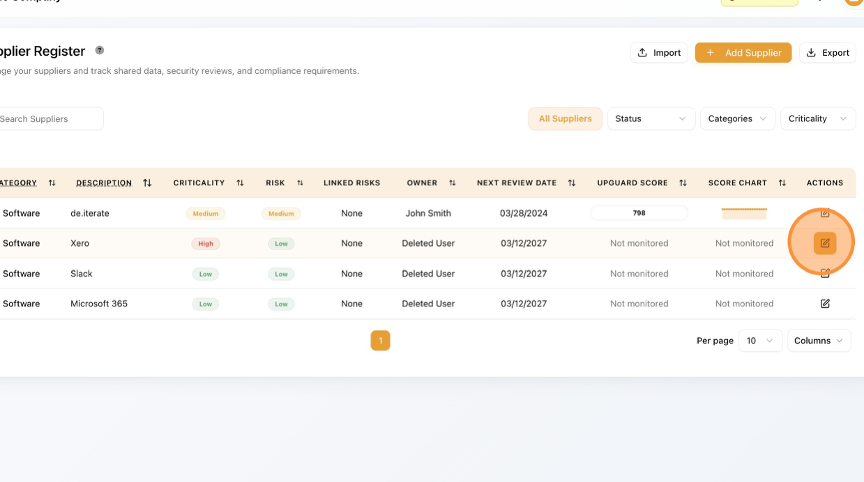
- Click the Edit button (pencil icon).
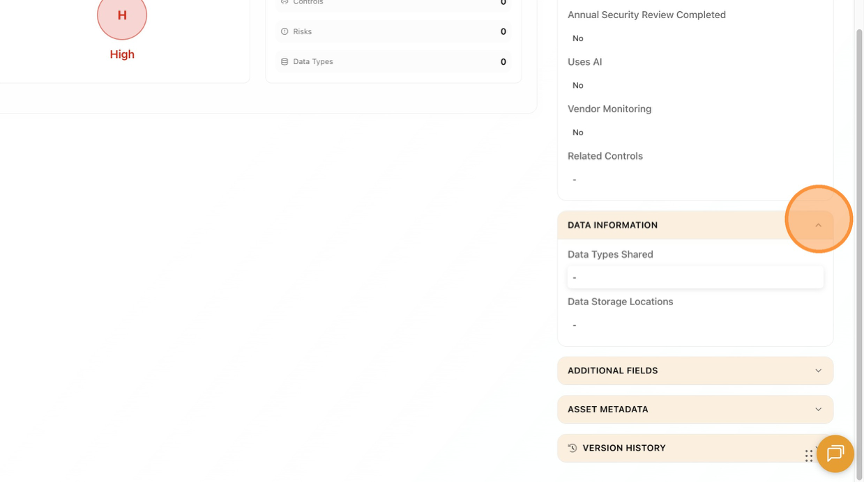
- To Edit "Data Information", Click the Arrow to drop-down the section.
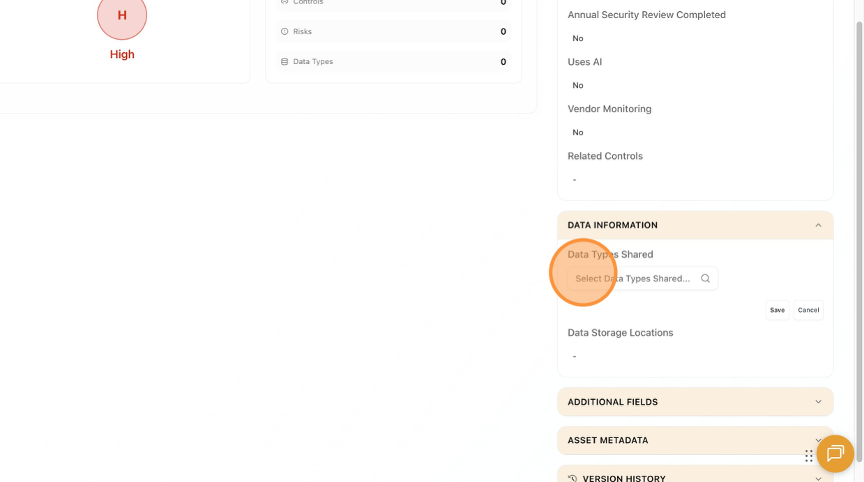
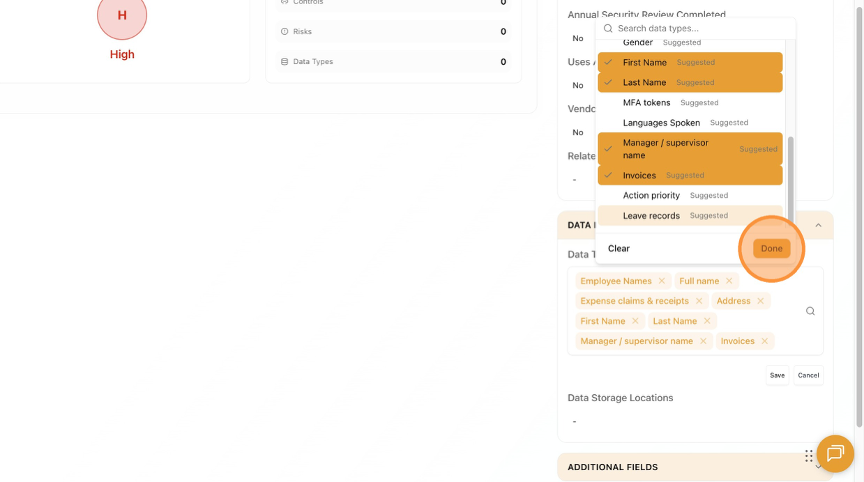
- To Add/Edit "Data Types Shared", Click for the drop-down menu.
- Select "Employee Names" if applicable.
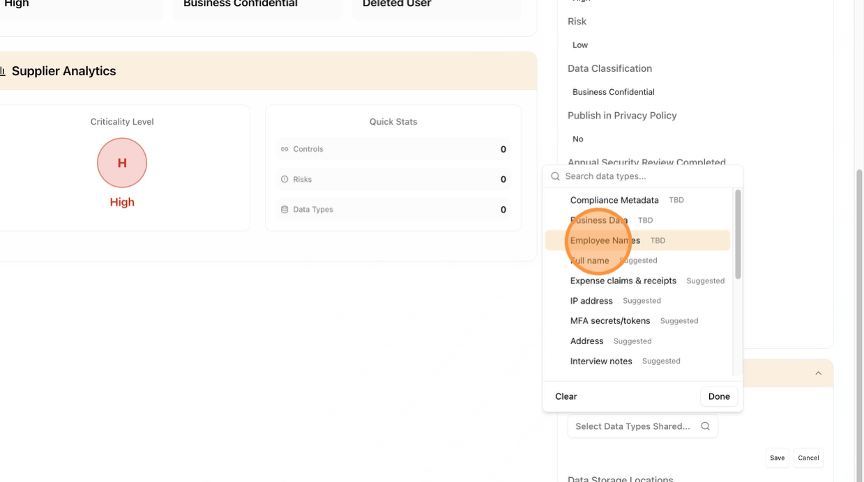
- Select "Full name" if applicable.
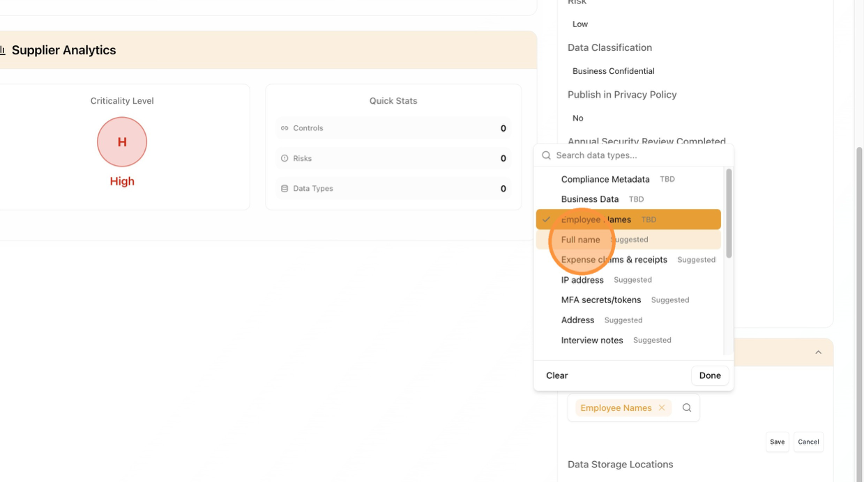
- Select "Expense claims & receipts" if applicable.
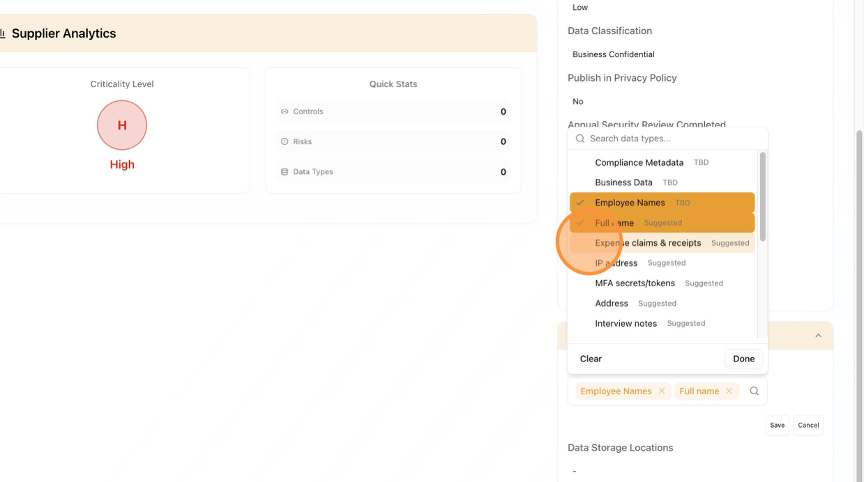
- Select "Address".
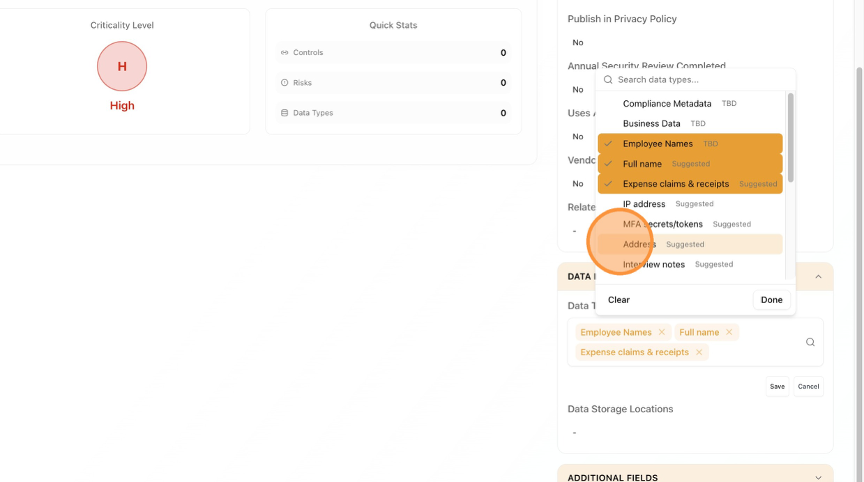
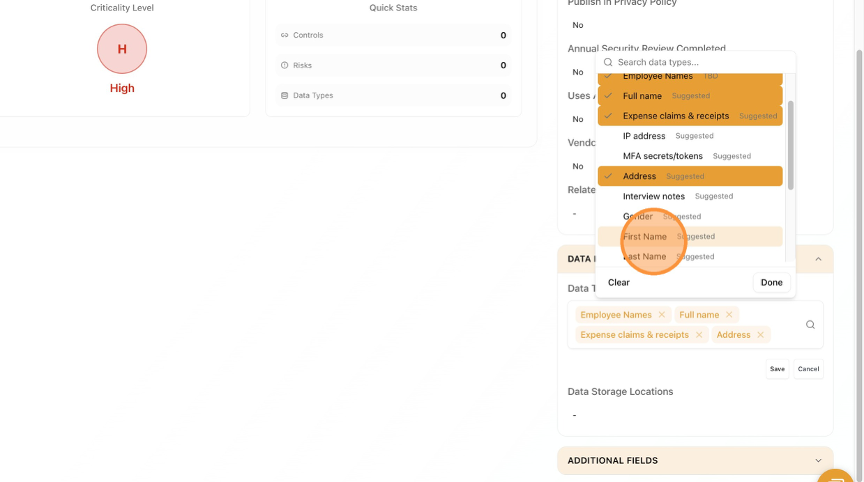
- Click "First Name" if applicable.
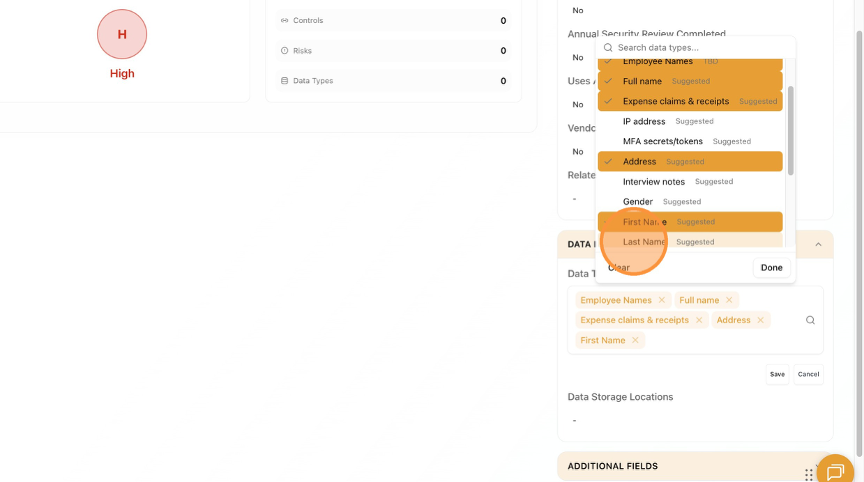
- Select "Last Name" if applicable.
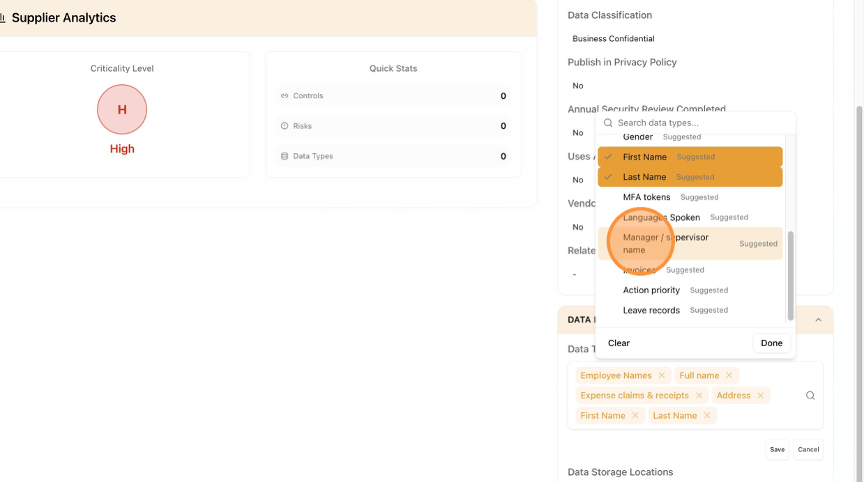
- Select "Manager / supervisor name" if applicable.
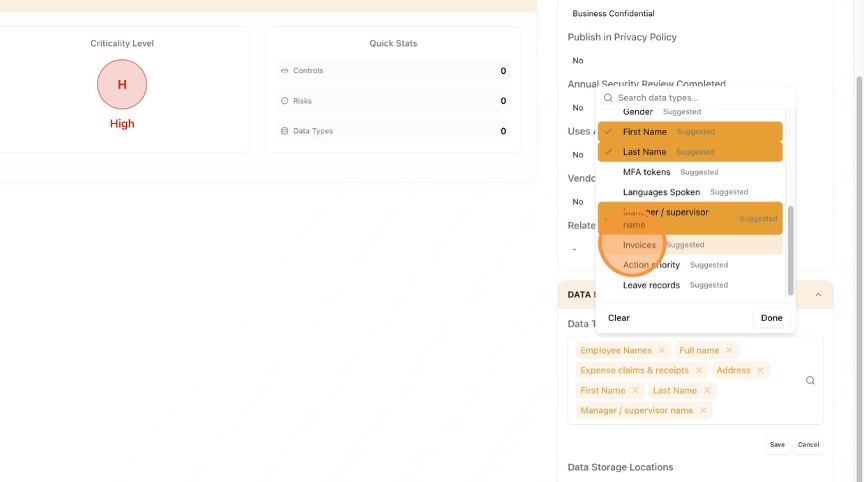
- Select "Invoices" if applicable.
- Click "Done" when complete.
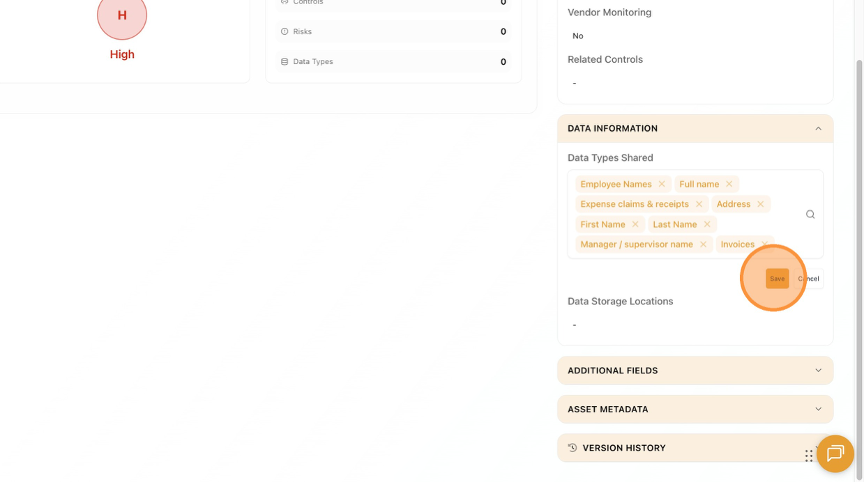
- Click "Save".
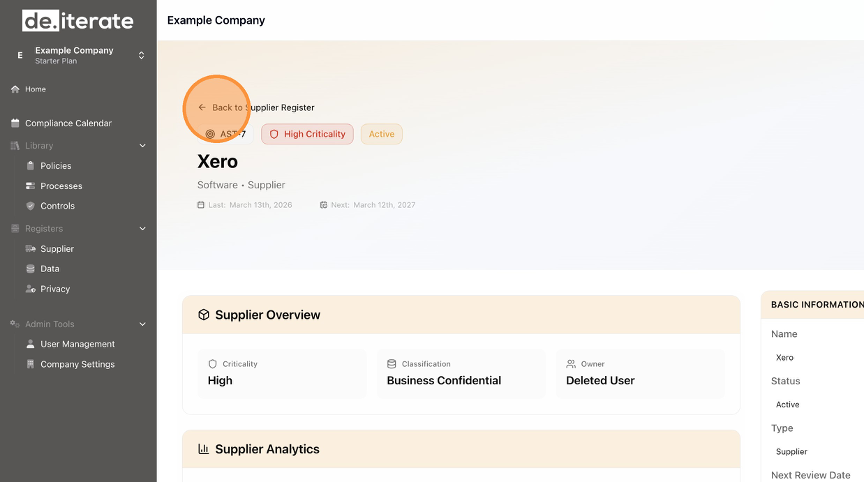
- Click "Back to Supplier Register".
English
