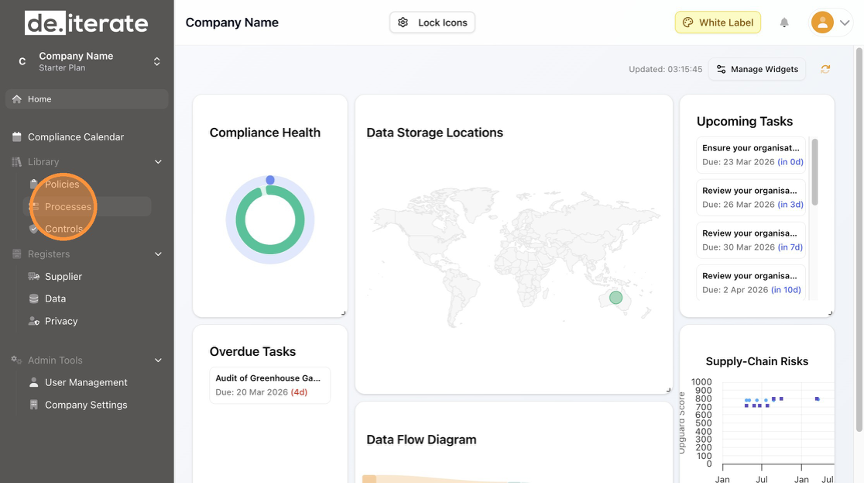
- Click "Processes".
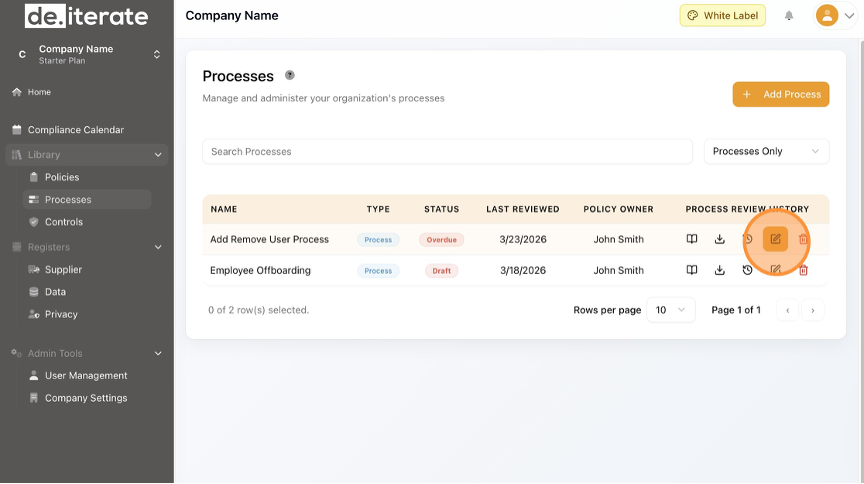
- Click the "Edit" (pencil) icon.
- To Edit the Process Name, update the "Process Name" field.

- To Edit the Description, update the "Description" field.

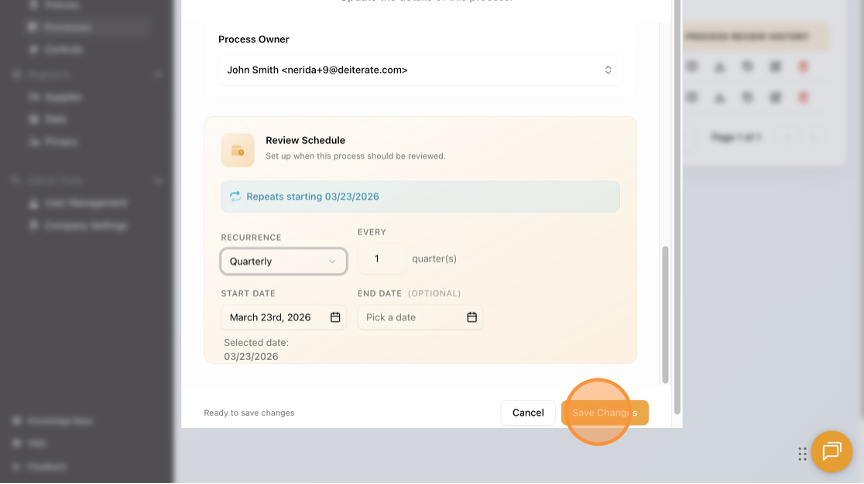
- To Edit the frequency of the Process review, Click the drop-down menu under "Recurrence".

- Click "Save Changes".
- Click "Home" to return to the Dashboard.

English
